
Saturday morning. Your 7-year-old has been glued to the iPad since 7 AM. You finally say "time's up," and the response is immediate: shoulders slump, voice cracks, and then the dreaded phrase. "But there's nothing else to do."
You look around your house full of toys, books, art supplies, and a perfectly good backyard. Nothing to do? Really?
Here's the thing. Your kid isn't lying. After 90 minutes of rapid-fire YouTube clips and Roblox dopamine hits, everything else genuinely feels boring to their brain. The problem isn't a lack of activities. It's the transition from high-stimulation to low-stimulation, and kids between 6 and 9 are in a unique developmental sweet spot that makes this both harder and easier than you'd think.
I've tested dozens of screen time alternatives with my own kids during these ages. Some crashed and burned within five minutes. Others became obsessions that lasted weeks. The difference wasn't the activity itself. It was understanding what a 6 to 9-year-old brain actually needs.
Why Ages 6-9 Are the Imagination Window
This is the age-specific version of our pillar piece on turn screen time into connection time.
Developmental psychologists call this period the "golden age of imagination." Kids between 6 and 9 can finally follow complex rules, sustain attention on self-directed projects, and create elaborate pretend worlds. But they haven't yet hit the self-consciousness of tweens that makes imaginative play feel "babyish."
This is your window. Seriously. If you can build strong screen-free habits during these years, they carry forward. If screens dominate this period, the imagination muscle atrophies, and by age 10, getting kids to self-entertain becomes exponentially harder.
That's not meant to scare you. It's meant to motivate you. You have maybe three or four years where the conditions are perfect for building these habits.
 The window before tenPause, Play, Connect: Core Deck172 prompts that fill the quiet after the iPad goes off, without another screen.$49 CAD • 90 cards • 18 reviewsShop the deck
The Activities That Actually Stuck (Not Just a Pinterest List)
I'm not going to give you a list of 47 activities. You've seen those lists. They don't work because they treat every kid the same and ignore the actual barrier, which is getting started. Instead, here are categories that consistently work for this age group, with the specific tricks that make the difference.
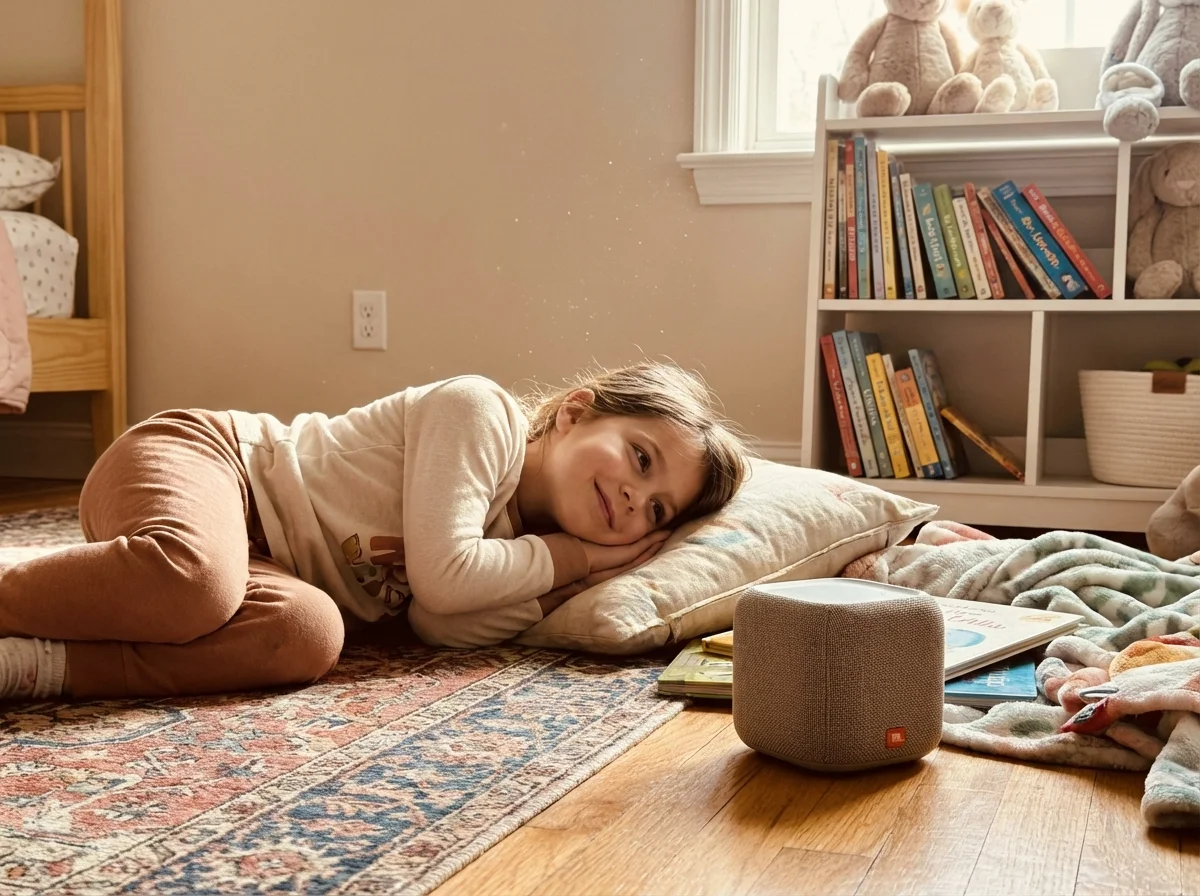
Audio Adventures: The Secret Weapon
If I could recommend one single screen time alternative for 6-9 year olds, it's audio content. Podcasts, audiobooks, and audio dramas.
Why? Because audio gives kids the stimulation their brains crave after screens while activating imagination instead of shutting it down. A kid listening to an audiobook is building mental images, following narrative threads, and developing attention span, all while lying on the couch feeling like they're relaxing.
What works at this age:
- Story-based podcasts like "Wow in the World" and "Story Pirates"
- Audiobooks slightly above their reading level (the narration carries them)
- Audio dramas with sound effects (these bridge the gap from screen entertainment)
The setup trick: Get a simple Bluetooth speaker for their room. Not headphones, a speaker. This makes audio feel like an activity rather than homework. My kid started requesting "speaker time" as eagerly as screen time.
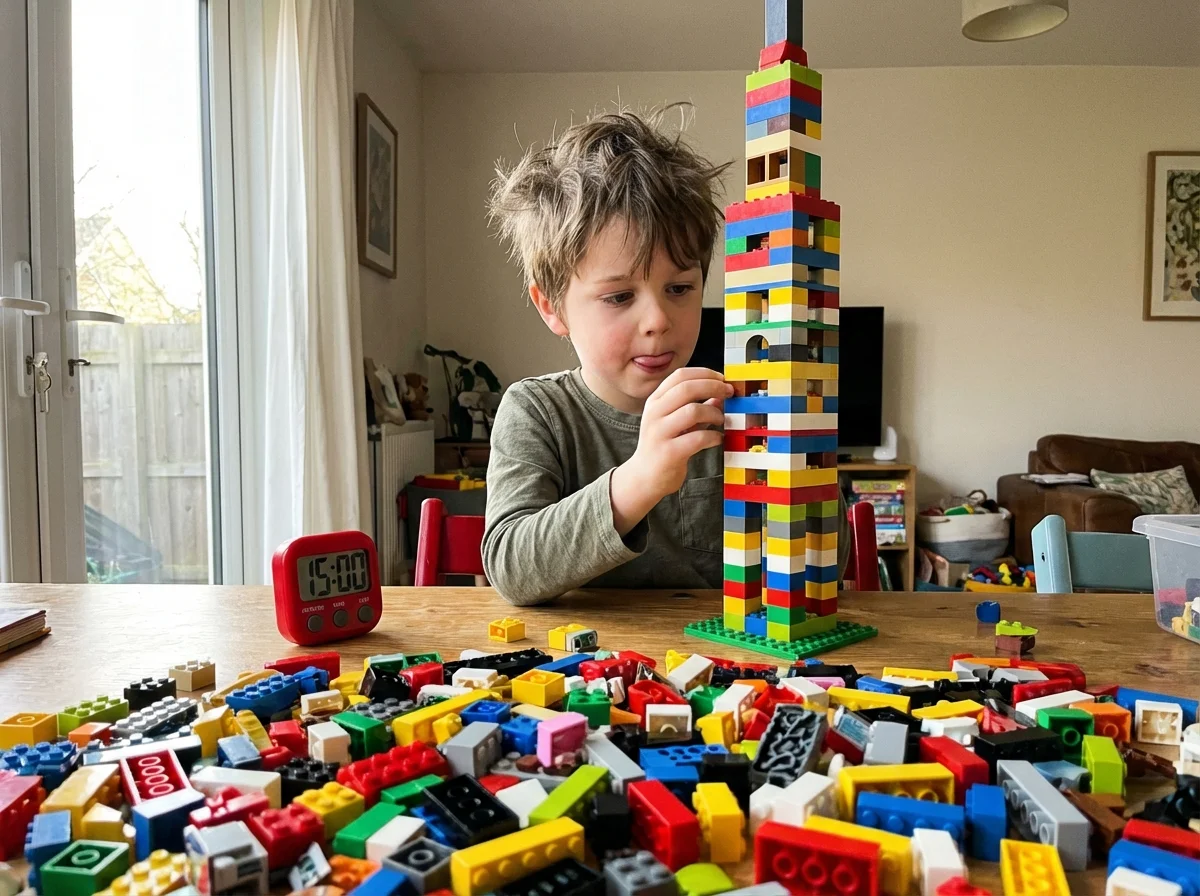
Building Challenges With Constraints
Every parent has heard "play with your Legos." And every parent has watched their kid stare at a bucket of Lego bricks for thirty seconds before wandering back toward a screen.
The missing ingredient is constraints. Open-ended building paralyzes kids this age. They need a specific challenge.
What actually works:
- "Build the tallest tower using only red pieces"
- "Make a house for this specific stuffed animal, it needs a door and a window"
- Timer challenges: "You have 10 minutes to build anything, then we judge"
- Copy challenges: pick a picture and try to recreate it
The constraint reduces decision fatigue. Instead of "what should I build?" (overwhelming), it becomes "how do I solve this?" (engaging). This works with Lego, blocks, cardboard, blanket forts, anything constructive.
Pro tip: Write 20 building challenges on slips of paper and put them in a jar. When your kid says "there's nothing to do," point at the jar. Removing yourself from the equation is key. You shouldn't need to be the entertainment director every time.
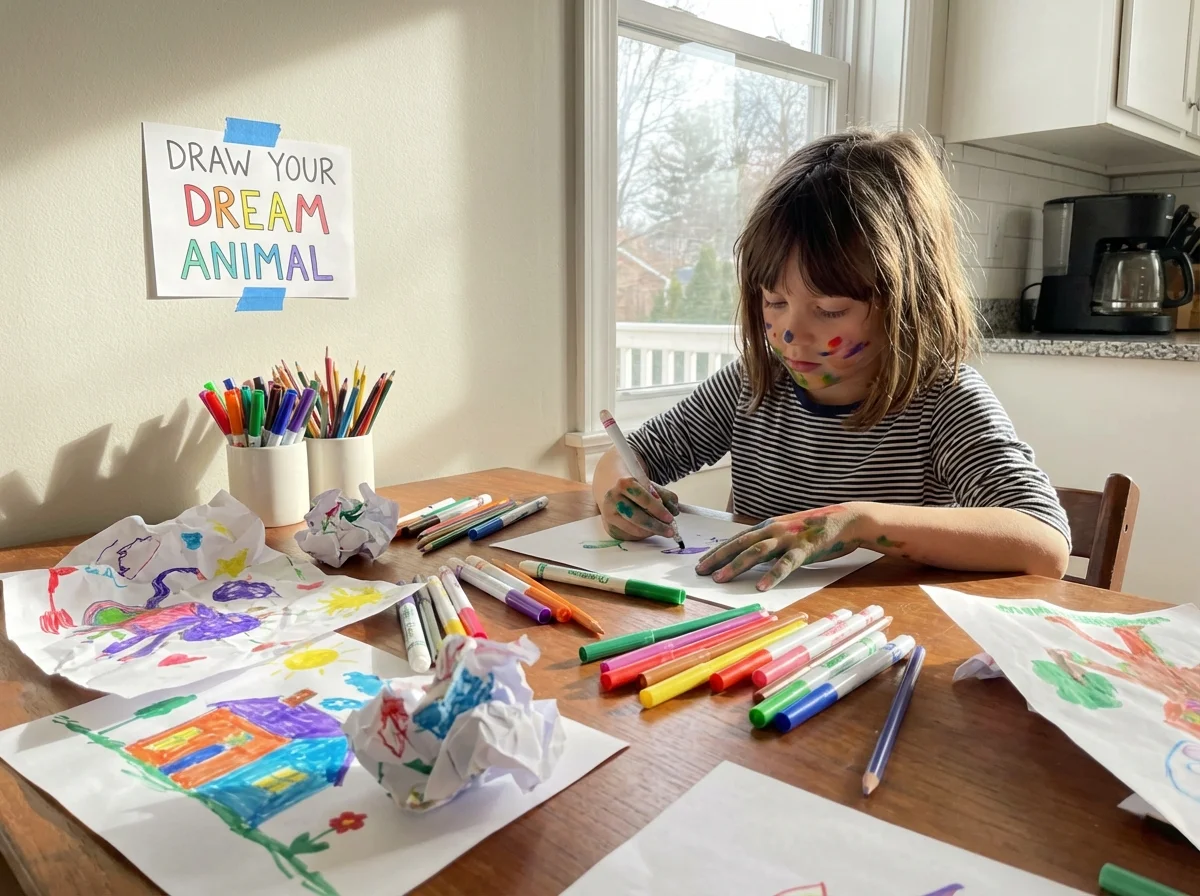
Art Stations, Not Art Supplies
There's a difference between having art supplies available and having an art station set up. Art supplies in a drawer are invisible. An art station on the kitchen table is an invitation.
I learned this the hard way. We had a closet full of markers, paint, clay, and stickers. Nobody touched them. Then my wife set up a drawing station, paper already out, markers uncapped, a picture prompt taped to the wall, and suddenly the kids were drawing for 45 minutes.
The setup matters more than the supplies:
- Paper already on the table (not in a drawer)
- A visible prompt or challenge ("Draw your dream treehouse")
- Permission to be messy (put down a cheap plastic tablecloth)
- Their work displayed somewhere visible (fridge, hallway wall)
For 6-9 year olds specifically, guided drawing tutorials on a printed sheet work incredibly well. They want to create something that looks "good" at this age, and step-by-step guides give them that confidence.
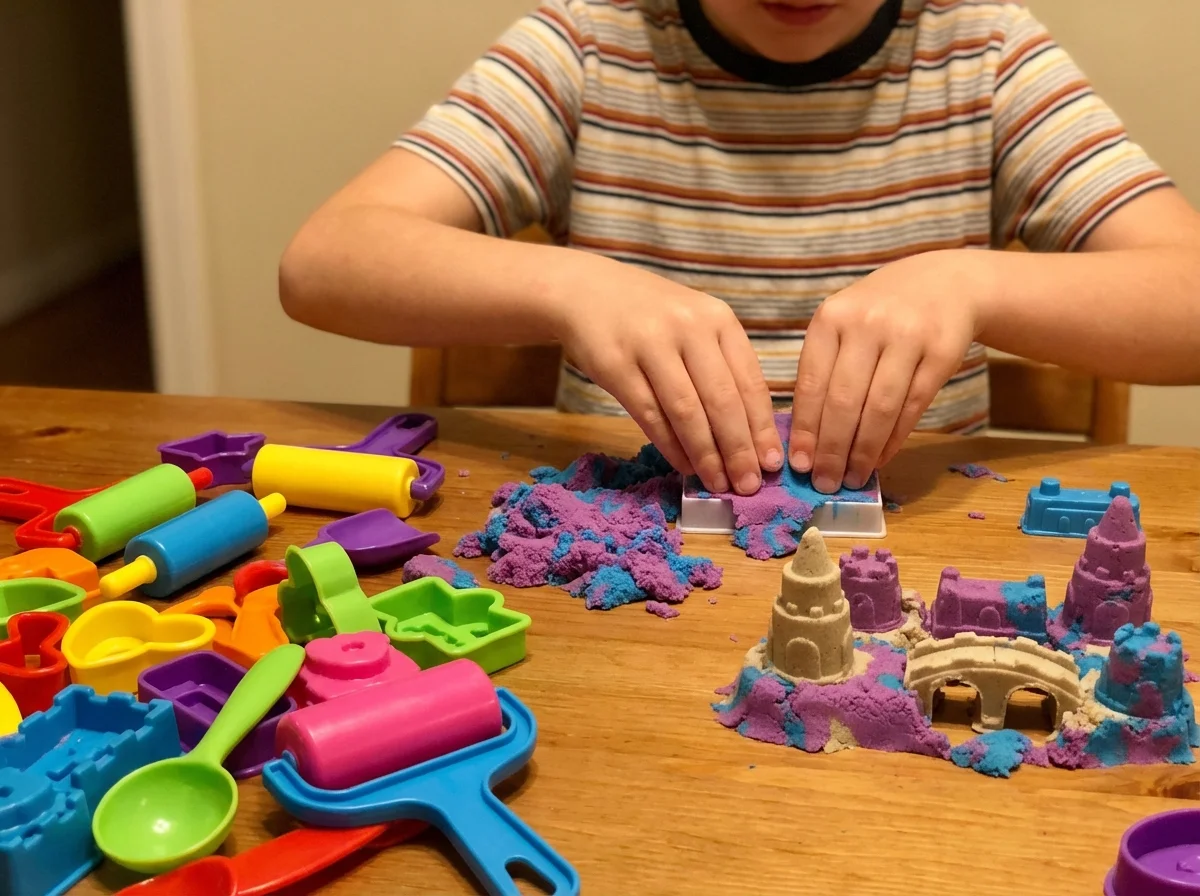
Sensory Play Isn't Just for Toddlers
Most parents stop sensory play around age 5. That's a mistake. Six to nine year olds still crave tactile stimulation. They've just outgrown basic water tables.
Age-appropriate sensory alternatives:
- Kinetic sand with molds and tools (mesmerizing at any age, honestly)
- Slime-making with specific recipes (the measuring and mixing IS the activity)
- Water bead sorting and color mixing
- Garden projects where they dig in actual dirt
The key with this age group is adding a purpose. Not just "play with kinetic sand" but "build a kinetic sand city" or "create a mini archaeological dig." Purpose transforms sensory play from "baby stuff" into a project.
The Power of a Playlist
This one surprised me. Creating a "background soundtrack" for screen-free time changed the vibe entirely.
When screens go off, the house gets quiet. And quiet feels boring to a brain that was just processing explosions and music and dialogue simultaneously. Playing music or a kid-friendly podcast in the background fills that sensory gap.
My setup: a kitchen speaker playing instrumental music or nature sounds during "create time." It sounds small, but it fills the void that makes kids restless after screen time shuts off.
The First 15 Minutes Are Everything
Here's what nobody tells you about screen time alternatives for 7 year olds: the first 15 minutes will feel like failure.
Your kid will resist. They'll say the activity is boring. They'll abandon the building challenge after 45 seconds. They'll claim the art station is "for babies."
This is normal. This is the boredom hump, and it's a real neurological transition. Their brain is shifting from passive consumption to active creation, and that shift is uncomfortable.
What to do during those 15 minutes:
- Don't rescue them. Resist the urge to suggest a different activity.
- Stay nearby but don't hover. Be in the same room doing your own thing.
- Don't comment on what they're doing. Observation pressure kills creativity at this age.
- Wait. Genuinely wait. The breakthrough usually comes around minute 8-12.
I can't stress this enough. Most parents give up at minute 5 and hand the screen back. If you can push through those first 15 minutes, the rest takes care of itself.
 For the boredom humpPause, Play, Connect: Core Deck$49 CAD • 172 promptsSee the deck
What Doesn't Work (Save Yourself the Frustration)
Let me save you time by listing what consistently fails for this age group:
Unstructured outdoor time with no friends. "Go play outside" works great when neighborhood kids are around. When they're alone, most 6-9 year olds will stand in the backyard for three minutes and come back inside. If outdoor time is your goal, give them a specific mission: count every different bug you can find, build a stick fort, fill this bucket with interesting rocks.
Worksheets and educational activities disguised as fun. Kids see through this immediately. If your "screen time alternative" feels like school, they'll resist it harder than they resist actual homework.
Overly complex crafts that need adult help. If you have to sit with them for the entire activity, it's not a screen time alternative. It's a parent-child activity (which is great, but different). The goal is independent engagement.
Activities they've never done before, introduced during screen withdrawal. The worst time to introduce a brand new hobby is the moment you turn off screens. Introduce new activities during good moods. Once they're familiar, they become options during screen transitions.
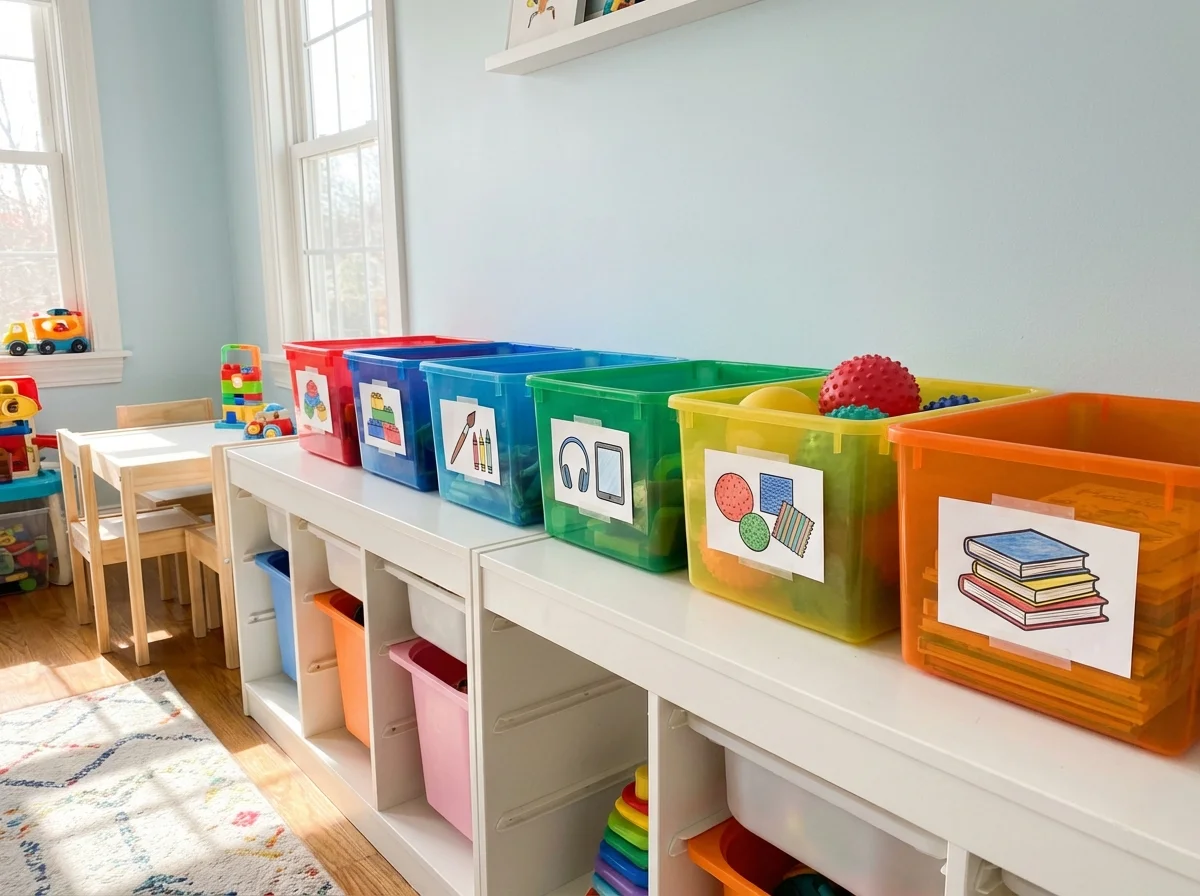
For the In-Between Moments: Rotation works best when a prompt fills the gap. Add a Pause, Play, Connect deck to the rotation so a 7-year-old friendly card is always in the bin.
Building the Rotation System
Rotation matters more than rules; our piece on screen time rules that actually stick covers why.
The single most practical thing I've done is create a rotation of pre-staged activities. Here's how it works:
Five bins, five categories:
- Building (Lego sets, magnetic tiles, cardboard + tape)
- Audio (speaker charged, playlist ready, audiobook queued)
- Art (station set up, prompts ready)
- Sensory (kinetic sand, slime supplies, water beads)
- Reading nook (books, comics, graphic novels, flashlight for "fort reading")
Rotate one bin to the "active spot" each day. When screens go off, the active bin is already visible and ready. No decisions needed.
This removes you from the equation entirely. You're not suggesting activities, negotiating, or brainstorming. The system handles it. And kids this age actually love predictable systems, even if they won't admit it.
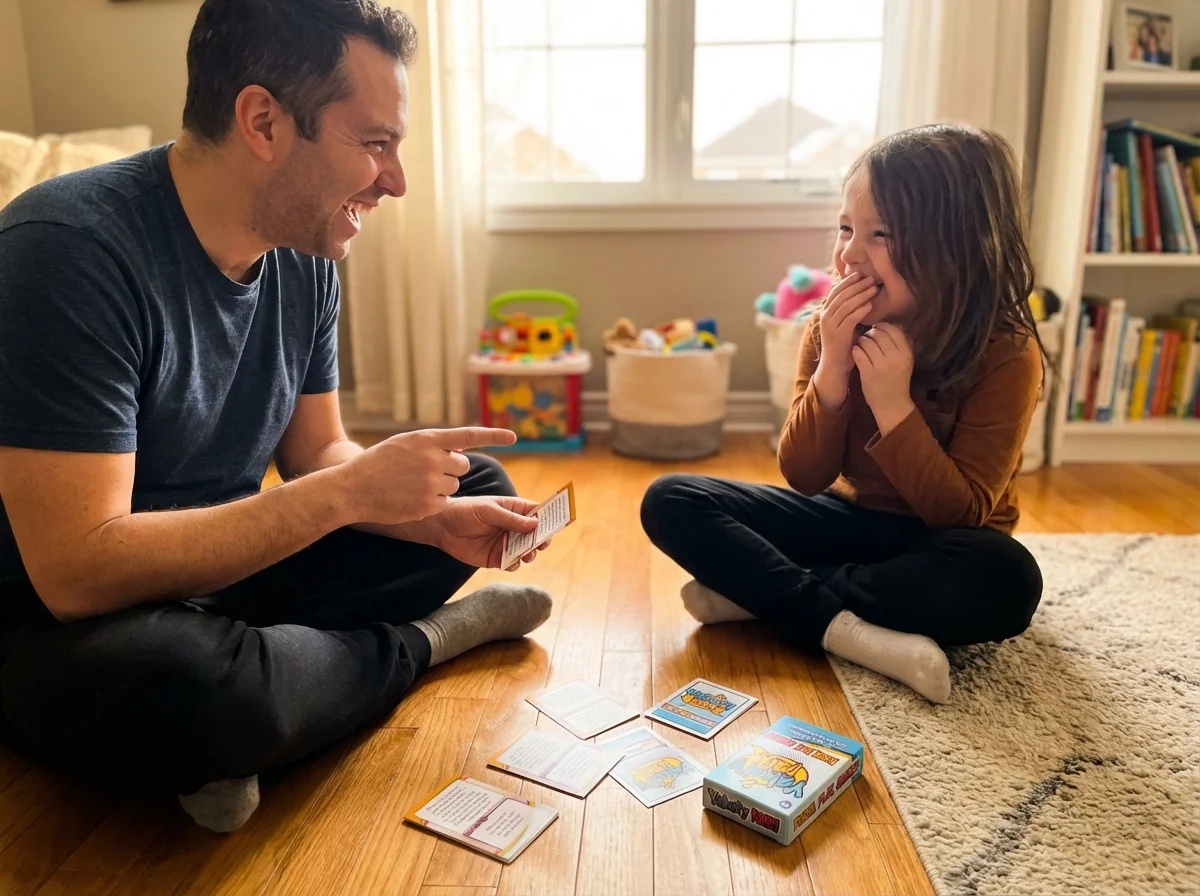
The Conversation Card Trick
This is the trick we built our conversation cards for families with gamer kids around; the deck takes the thinking out of the moment.
One thing I noticed with my kids during the 6-9 years: they wanted connection, not just activities. Sometimes the screen wasn't really about entertainment. It was about feeling like something was happening.
We started using Yakety Pack conversation cards during transition times, and something interesting happened. The cards gave them a reason to engage with us or their siblings that felt like a game, not like "family time." One card asks something like "If you could have any superpower but only for one hour, what would you pick and what would you do?" and suddenly we're deep in a conversation that lasts longer than any YouTube video would have.
The point isn't the cards specifically. The point is that structured conversation starters work for this age because kids want to talk and share ideas, they just don't know how to initiate it. A prompt gives them permission.
When Screen Time Alternatives Become the Default
Here's the part that keeps me going. After about two weeks of consistent effort, something shifts. Your kid stops asking for screens first thing. They wake up and head for the Lego bin, or ask you to turn on their audiobook, or start drawing without being prompted.
It doesn't mean screens disappear entirely. My kids still watch shows and play games. But screens become one option among many instead of the default, and that changes everything.
The 6-9 age range is uniquely positioned for this shift because these kids are old enough to self-entertain but young enough to form new habits without the identity resistance you get from tweens and teens. If you're reading this with a 7-year-old in the house, you're in the sweet spot. Don't waste it.
Quick-Start: Your First Screen-Free Afternoon
If you want to try this today, here's your plan:
- Pick ONE category from above (audio is the easiest win)
- Set it up BEFORE announcing screen time is ending
- When screens go off, don't say "go do this instead." Just have it visible and available
- Ride out the first 15 minutes without caving
- Notice what happens at minute 20
That's it. One afternoon. One category. See what happens.
Nothing to do againPause, Play, Connect: Core Deck172 prompts that give a 7-year-old a reason to talk instead of asking for the tablet.$49 CAD • 90 cards • 18 reviewsShop the deck
Related Articles
Looking for more strategies to manage screen time across all ages? These guides go deeper:
- Screen Time Alternatives That Actually Work (The Complete Guide) - our full framework for every age group
- When Gaming Becomes a Problem: Signs to Watch For - knowing when screen time has crossed the line
- What Is Minecraft Teaching Your Kids? 7 Real Skills Explained - not all screen time is created equal
FAQ
How much screen time is okay for a 7 year old?
The AAP recommends consistent limits for kids 6 and older, but doesn't give a specific number. Most pediatricians suggest 1-2 hours of recreational screen time on school days. But honestly, the quality matters more than the quantity. Two hours of Minecraft building is different from two hours of random YouTube autoplay. Focus on what they're doing on screens, then build alternatives for the rest of the day.
My kid refuses every alternative I suggest. What am I doing wrong?
Probably nothing. The resistance is almost always about the transition, not the activity. Stop suggesting and start staging. Set up an art station or building challenge before you announce screens are ending. Don't ask "do you want to draw?" Just have it there. And give them 15 minutes of genuine boredom before expecting engagement. The "I hate everything" phase passes faster than you think.
Do screen time alternatives work for kids with ADHD?
Yes, but the approach is different. Kids with ADHD need higher-stimulation alternatives, think timer-based building challenges, active sensory play, or audio content with strong narratives. Passive alternatives like "go read a book" often fail because the stimulation gap is too large. Start with activities that involve movement or competition, and make transitions more gradual.
Should I feel guilty about using screens as a babysitter sometimes?
No. Full stop. Every parent uses screens to buy time for cooking dinner, taking a work call, or just surviving a Wednesday. The goal isn't zero screens. It's building enough alternatives that screens are a choice, not the only option. Give yourself grace on this one.
What about educational apps and games? Do those count as screen time?
Technically yes, they're still screen time. But educational content is different from passive consumption. Apps where kids are creating, problem-solving, or learning a skill are better than passive video watching. That said, even educational screen time shouldn't replace hands-on activities. Use them as one tool in your toolkit, not the whole toolkit.
How do I handle it when their friends are all on screens?
This is real, especially for playdates. Set expectations before friends come over: "We do screens for the last 30 minutes, but first we have other stuff set up." Most visiting kids adapt quickly because novel activities at someone else's house are exciting. And honestly, some parents will thank you for giving their kid a screen break too.

