
Here's a scene that used to play out in our house every single Saturday morning. My kids would come downstairs, look around the living room, and within thirty seconds grab the iPad. Not because they were screen addicts. Not because we'd failed as parents. But because the iPad was right there on the counter, fully charged, and everything else required effort.
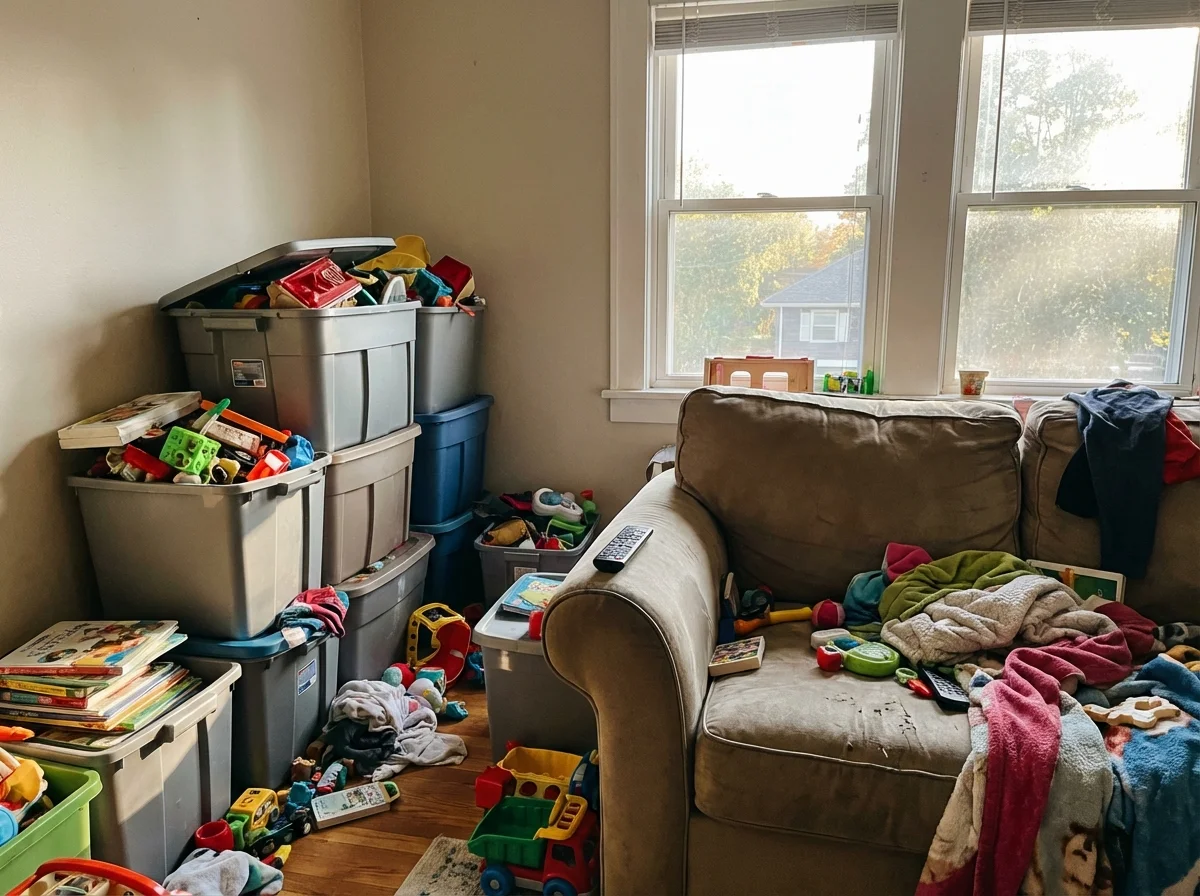
The Legos? Buried in a bin in the closet. The art supplies? Somewhere in the basement. The card games? Who knows which shelf.
It took me an embarrassingly long time to realize the problem wasn't my kids. It was the house. Our home was literally designed to make screens the easiest option and everything else harder. Once I figured out how to organize toys to reduce screen time by flipping that equation, things changed fast. And I didn't have to confiscate a single device.
The Friction Formula That Changes Everything
This is the room-level execution of our pillar piece on turn screen time into connection time.
I talk about this concept in my complete guide to screen time alternatives, but it deserves its own deep dive because it's the single most effective thing we've done as a family.
Here's the idea: kids (and adults, honestly) default to whatever has the least friction. Friction just means the number of steps between wanting to do something and actually doing it.
Grabbing a tablet? One step. It's right there, it's charged, it remembers where they left off.
Building with Legos? Five steps. Find the bin, carry it to the table, open it, sort through pieces, figure out what to build.
You don't need to make screens impossible. You need to make other things easier. And ideally, you want to add a tiny bit of friction to screens at the same time.
This isn't some parenting theory I read in a book. I figured it out because I'm an entrepreneur who thinks about user experience all day. When we were building Pause, Play, Connect, we spent months thinking about how to make conversation cards effortless to use. No instructions needed. Just grab a card and go. That same thinking applies to your home.
The question isn't "how do I get my kids off screens?" The question is "how do I make the non-screen options so easy that screens aren't the default?"
 One more thing left outPause, Play, Connect: Core Deck172 prompts that live on the coffee table instead of in a bin in the closet.$49 CAD • 90 cards • 18 reviewsShop the deck
Room-by-Room Setup: Making Play the Path of Least Resistance
You don't need to renovate your house or buy a bunch of new furniture. You need to rethink where things live. Here's what worked for us, room by room.
Living Room: The Front Line
This is where the battle is won or lost, because this is where your kids spend the most time.
What we changed:
- Moved the TV remote into a drawer (not hidden, just not on the armrest)
- Put a basket of books and a few card games on the coffee table where the remote used to sit
- Set up a small corner with a drawing pad and colored pencils that stays out permanently
- Kept a puzzle going on the side table (half-finished puzzles are magnetic for kids)
The key insight: whatever is visible and within arm's reach wins. If your kid walks into the living room and sees a half-built puzzle, there's a decent chance they'll sit down and add a few pieces before they even think about screens.
Cost: $0. We just moved things around.
Kitchen: The Stealth Activity Zone
Kids end up in the kitchen constantly, especially after school. Instead of fighting that, use it.
What we did:
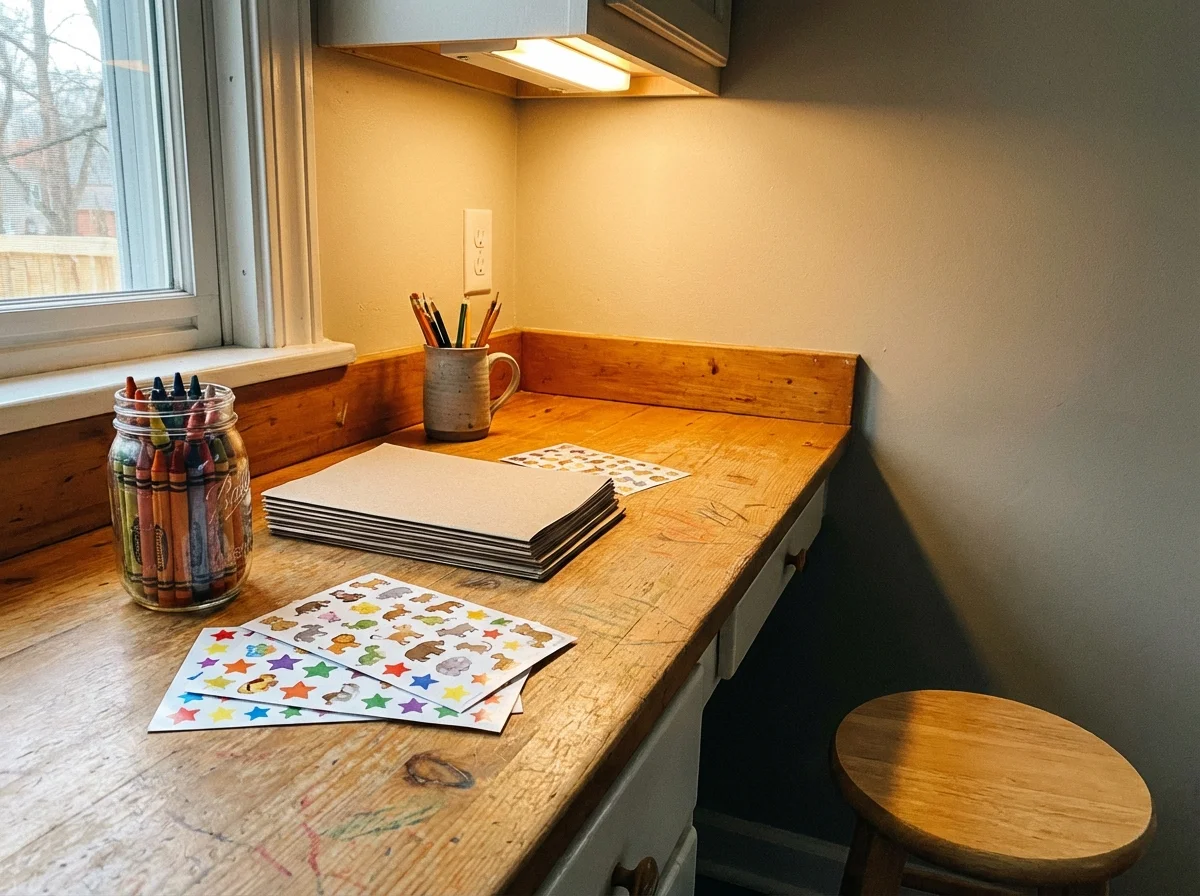
- Cleared one counter corner as a permanent "maker station" with paper, crayons, tape, and scissors
- Put a small whiteboard on the fridge at kid height (they use it constantly)
- Stacked a few cookbooks with picture recipes where they can reach them
- Kept modeling clay in a container on the counter
My daughter started drawing at the kitchen counter every day after school. Not because we told her to. Because the supplies were right there, and she was already in the kitchen getting a snack.
Bedrooms: The Wind-Down Zones
We made one rule about bedrooms: screens charge in the hallway, not in the room. That's the only friction we added to screens, and it's huge.
Then we made the bedrooms better for non-screen stuff:
- Audiobook player (a simple Yoto or Toniebox for younger kids) on the nightstand
- Small bookshelf within arm's reach of the bed
- A flashlight and a "would you rather" book for bedtime
Bedtime used to be a screen negotiation. Now it's audiobooks and reading. Not because we banned screens from the room. Because we made the alternatives more convenient in that specific space.
The Rotation System That Keeps Things Fresh
Here's something most organizing advice gets wrong: they tell you to get rid of toys. Declutter. Minimalism.
That can work, but it misses the real problem. Kids don't get bored of toys because they have too many. They get bored because they see the same ones every day. The solution isn't fewer toys. It's rotation.
How our rotation works:
- Split toys into three groups
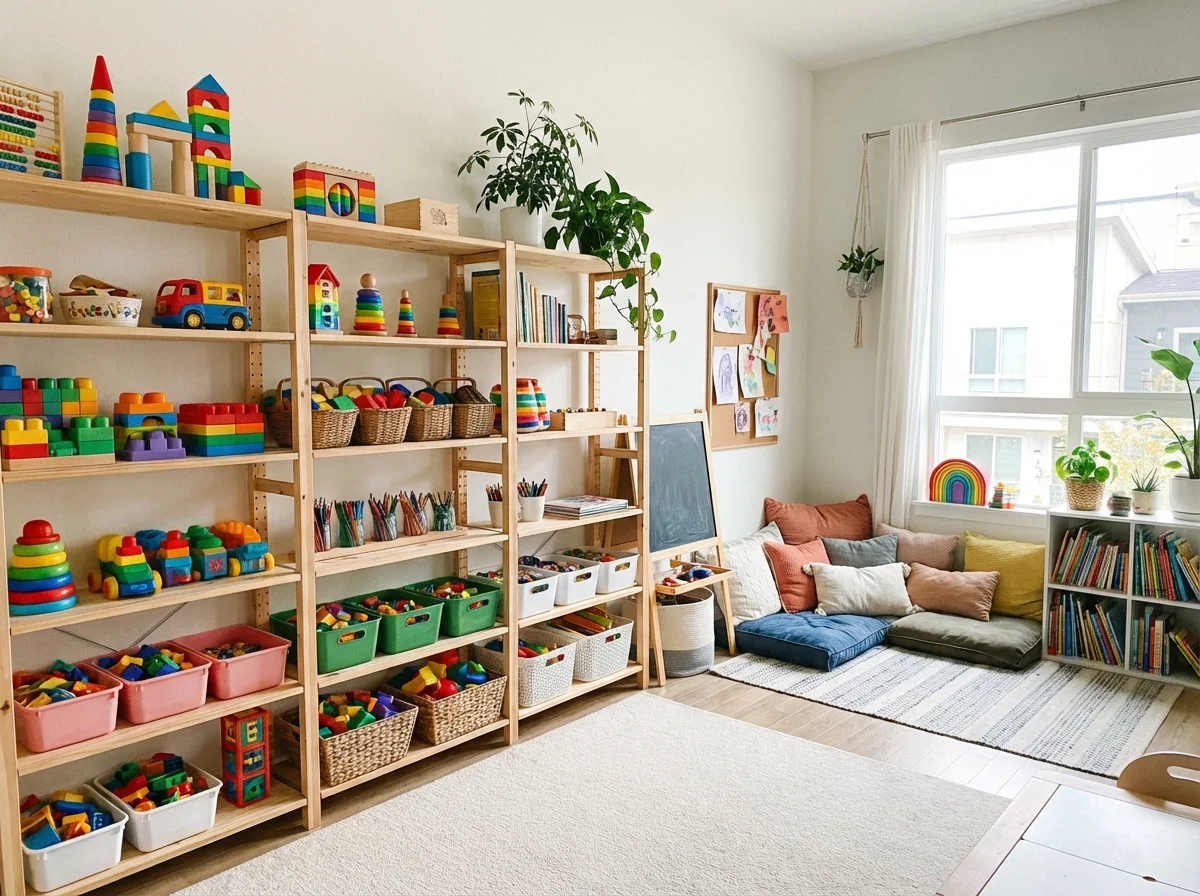
- One group is "active" (out on shelves, visible, accessible)
- Two groups are stored away (closet, garage, wherever)
- Every two weeks, rotate. Active group goes into storage, one stored group comes out
When the "new" bin comes out, our kids react like it's Christmas morning. Even though these are toys they've had for months. The novelty factor resets completely after two weeks out of sight.
Pro tip: Put the active toys on open shelves at kid height. Not in closed bins with lids. Not in the closet. Open. Visible. Reachable. Every barrier you remove is one less reason to grab a screen instead.
 Fanned out on the tablePause, Play, Connect: Core Deck$49 CAD • 172 promptsSee the deck
Visual Cues: The Secret Weapon Nobody Talks About
The single best visual cue we use is a deck of conversation cards for families with gamer kids parked on the coffee table.
This is going to sound small, but it made a surprising difference.
We started leaving "visual invitations" around the house. A Lego set with just the first few pieces started. A coloring book open to a half-finished page. A card game laid out on the table as if someone was about to play.
Kids are curious. When they see something started, they want to finish it or join in. It's the same psychology that makes a half-eaten bag of chips hard to ignore.
I got this idea from watching how toy stores work. Nothing is in boxes. Everything is open, visible, touchable. Your house shouldn't look like a toy store, but the principle works: visible things get used.
Some visual cues that work:
- A half-finished puzzle on a table
- A drawing prompt taped to the art station ("Draw your dream treehouse")
- Building blocks arranged in the start of a tower
- A stack of Yakety Pack cards fanned out on the coffee table (my kids pick these up almost daily now)
- A science experiment kit with the instructions open to step one
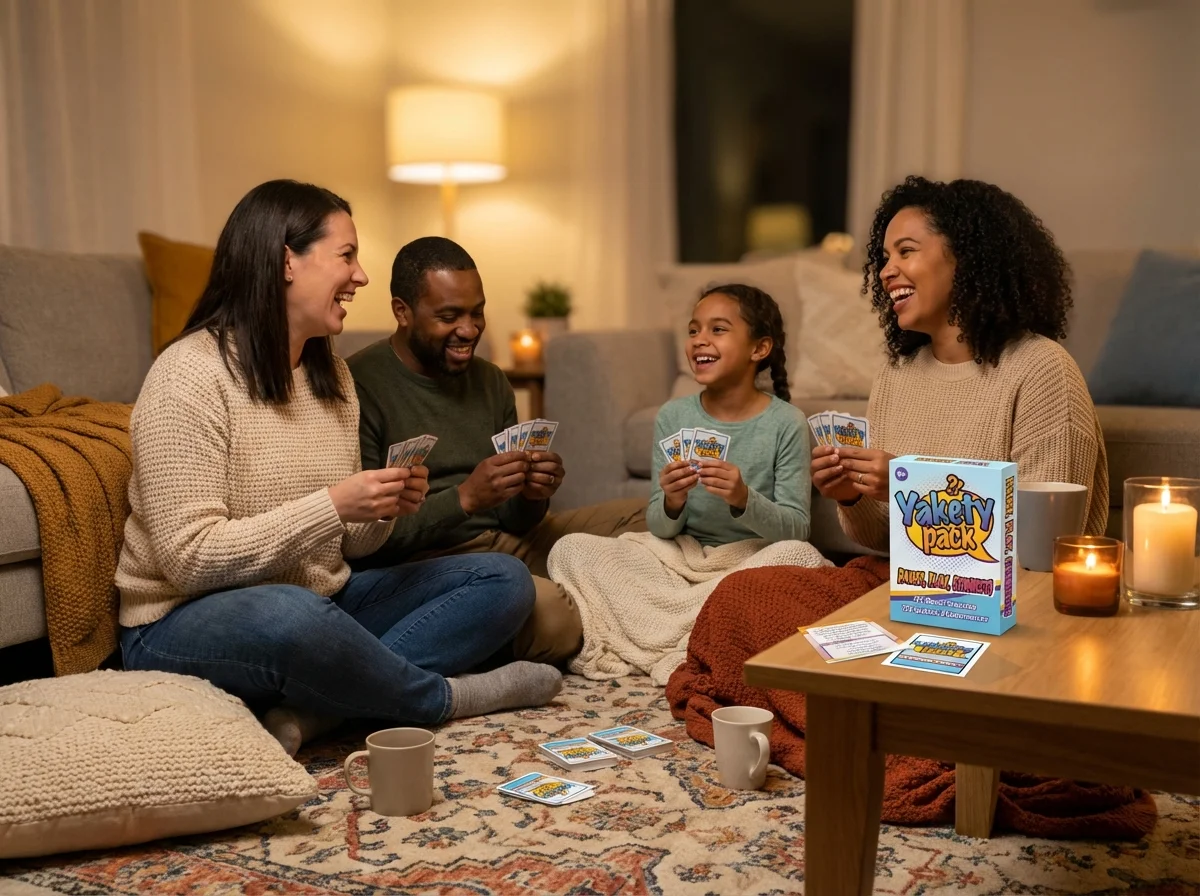
You're not forcing anything. You're planting seeds. Kids walk by, see something interesting, and engage before the "I'm bored" reflex kicks in.
The Screen Friction Side: Small Changes, Big Impact
I've focused mostly on making play easier, but the other half of the equation matters too. You don't need to lock up devices or set elaborate parental controls. Just add small, reasonable friction.
What works for us:
- Remotes in a drawer. Not locked. Just not on the couch.
- Tablets charge in the hallway. They can use them, but they need to go get them and bring them back.
- Passwords on app installs. Kids can use existing apps, but new ones require a conversation.
- Screens in common areas only. No TVs in bedrooms. Gaming happens in the living room.
None of these are rules with consequences. They're environmental design choices. The difference matters. Rules create conflict. Environment creates defaults.
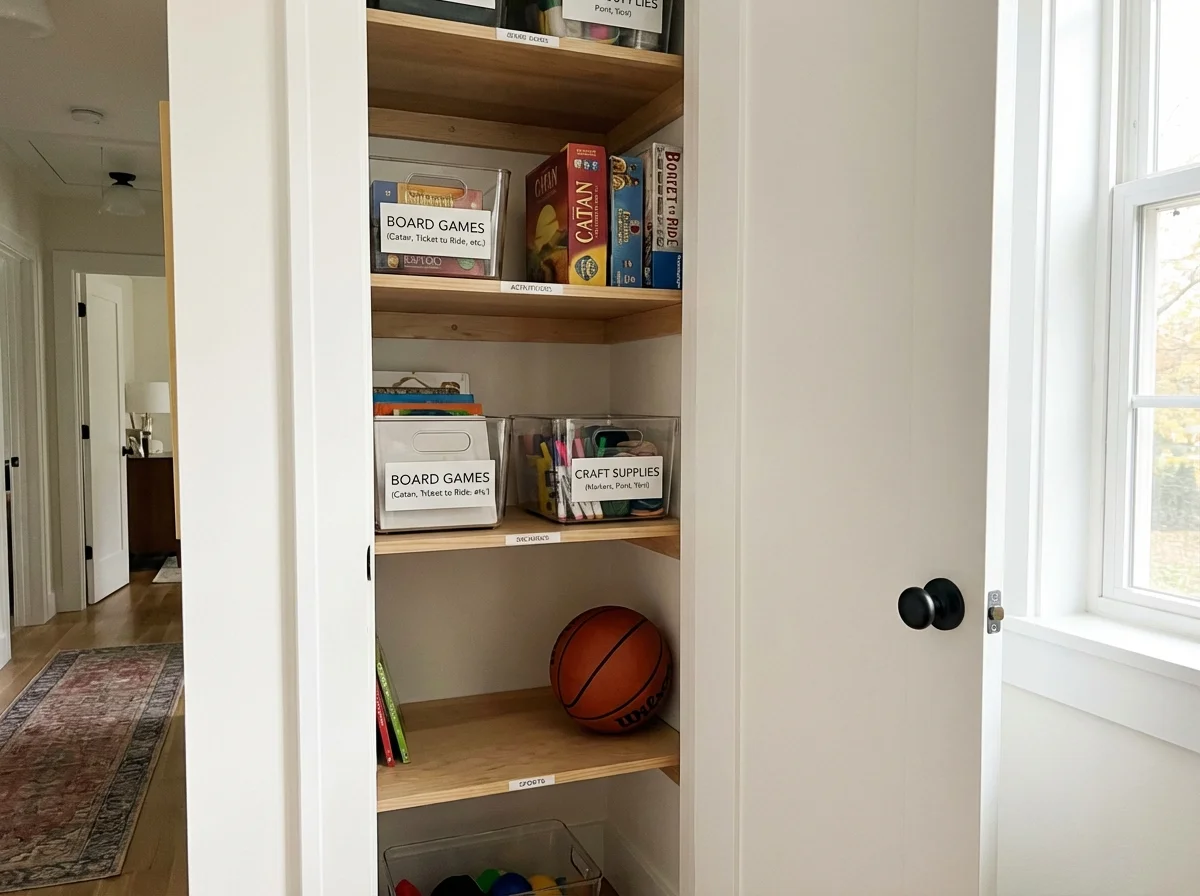
And honestly? My kids have never complained about the remote being in a drawer. They just... reach for whatever's closest first. Which is now a book or a card game.
The First Two Weeks Are the Hardest
I want to be honest about this because too many articles make it sound easy. When you reorganize your home for screen-free play, there will be a transition period.
Your kids will notice. They might complain. "Where's the remote?" is something you'll hear. The boredom hump is real, and kids need about 5-10 minutes to push through the "I have nothing to do" feeling before they engage with something else.
During those first two weeks, resist the urge to direct their play. Don't say "why don't you go build something?" Just let the environment work. They'll wander. They'll complain. And then they'll pick up a crayon or start sorting Legos because it's right there.
Our turning point came on day ten. My son sat down at the puzzle table without anyone suggesting it and worked on it for forty-five minutes. Didn't ask for a screen once. That's when I knew the system was working.
What This Looks Like in Practice: Our Saturday Test
We accidentally created the perfect test for whether your home setup is working. Saturday mornings.
Before the reorganization, Saturday mornings were screen marathons. Now, our kids come downstairs and here's what's waiting:
- Puzzle on the dining table
- Drawing supplies on the kitchen counter
- Card games on the coffee table
- A basket of books near the couch
They still watch some TV on Saturday mornings. I'm not pretending we eliminated screens. But the first thing they reach for changed. And the total screen time dropped by about 60% on weekends without us saying a word.
That's the whole point of friction engineering. You're not removing choices. You're redesigning defaults.
For the Long Switch: The strongest layout cue is a nightly ritual. A deck of Yakety Pack conversation cards on the dinner table closes the room rotation every evening.
Common Mistakes to Avoid
After talking to other parents about this approach, here are the mistakes I see most often:
Hiding screens completely. This backfires. Kids fixate on forbidden things. The goal is making screens slightly less convenient, not invisible.
Buying new toys instead of reorganizing old ones. You probably have enough. Rotate what you have before buying anything new.
Over-organizing. If your play space looks like a Pinterest board, kids won't touch it. They need permission to be messy. Leave a little chaos.
Expecting instant results. Give it two full weeks. The first three days will feel like it's not working. That's normal.
Making it a rule instead of a design choice. "We moved the remote" works better than "No screens before noon." Same outcome, zero power struggles.
The coffee table versionPause, Play, Connect: Core Deck172 prompts that sit in plain sight so someone picks one up and asks.$49 CAD • 90 cards • 18 reviewsShop the deck
Related Articles
Want to go deeper on reducing screen time without the fights? These guides cover the bigger picture:
- Screen Time Alternatives That Actually Work (Hint: It's Not About the Activities)
- When Gaming Becomes a Problem: Signs to Watch For
- Playing Video Games With Your Kids: A Parent's Real Guide
Frequently Asked Questions
Does this actually work for older kids and teenagers?
Yes, but the specifics change. Teenagers won't care about a half-finished puzzle. For older kids, think about what they'd naturally gravitate toward: a guitar on a stand, a basketball by the back door, a sketchbook on their desk. The principle is identical. Make the non-screen option visible and zero-effort.
What if we live in a small space and can't dedicate areas?
You don't need dedicated rooms. A single shelf in the living room works. A small basket on the kitchen counter works. The rotation system actually works better in small spaces because you're only displaying a few things at a time. We started this in a two-bedroom apartment before we had more space.
How do I get my partner on board?
Start with one room. Do the living room coffee table swap (remote in drawer, books and games out) and wait a week. When your partner sees the kids reaching for non-screen activities without being told, the concept sells itself. I didn't convince my wife with an argument. I convinced her with a Saturday morning.
Won't my kids just go find the screens anyway?
Some will, especially at first. That's fine. The goal isn't elimination. It's changing the default. Over time, the path of least resistance becomes play instead of screens. Most parents report that after two to three weeks, kids stop actively seeking out devices for the first hour or two of free time.
How often should I rotate the toy bins?
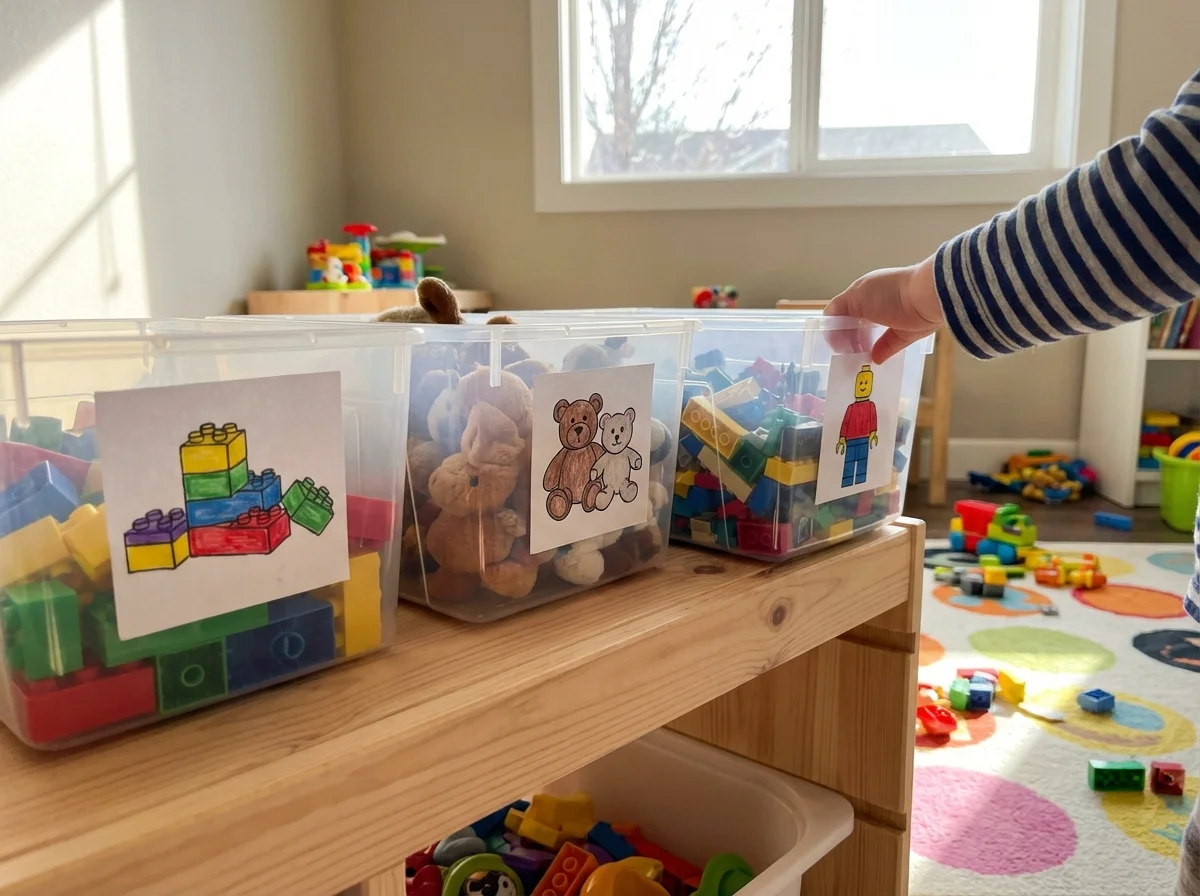
Every two weeks works well for most families. Some do weekly, but that's a lot of effort. The key is that the rotation feels fresh. If your kid hasn't seen a toy set in two weeks, it feels new again. Label your bins with pictures (not words) so younger kids can see what's inside without opening everything.

