
It started with a YouTube rabbit hole.
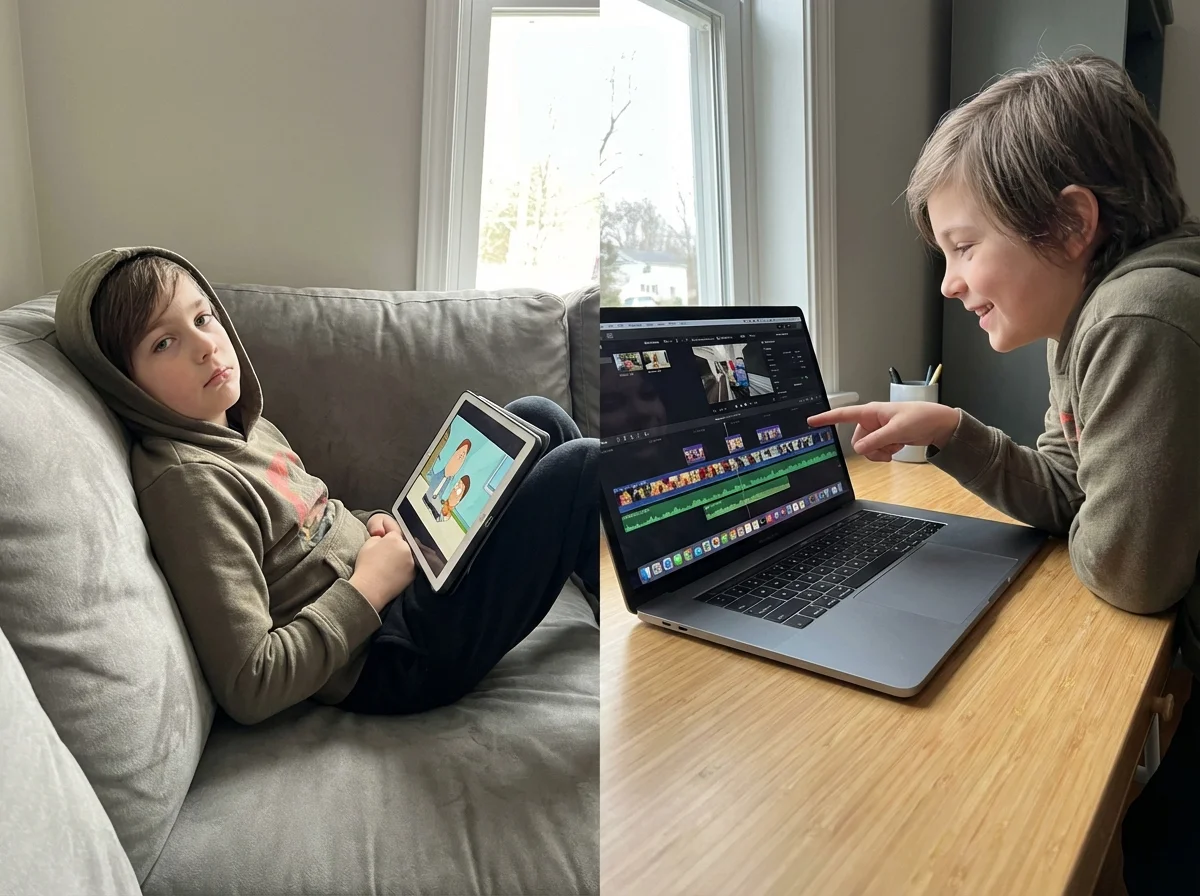
My son was watching someone else play Minecraft. Not a tutorial. Not learning a new build technique. Just watching another kid open digital boxes for forty-five minutes straight. And when I asked him what he'd learned, he looked at me like I'd asked him to explain quantum physics.
"It's just fun, Dad."
Here's the thing. I get it. I've burned entire evenings watching cooking shows without once picking up a spatula. But there's a difference between adults choosing passive entertainment and kids spending their entire developmental window as an audience for someone else's creativity.
The conversation about screen time usually stops at "how much." Two hours. One hour. No screens on weekdays. Whatever your family rule is. But the more interesting question isn't how much screen time your kids get. It's what they're doing with it.
Because not all screen time is created equal. And once I figured that out, everything changed.
The Consumption Trap Nobody Talks About
This sits inside our broader take on how to turn screen time into connection time.
Here's what most parenting articles won't tell you: the problem isn't screens. The problem is that screens are optimized for consumption.
YouTube's algorithm doesn't care if your kid watches one video or fifty. TikTok's scroll design is literally engineered to keep thumbs moving. Even educational apps often reward watching over doing.
The result? Kids who spend four hours a day on screens but couldn't tell you the last time they made something. Not a drawing. Not a story. Not a goofy video. Nothing.
I noticed this with my own kids. They could recite entire YouTube intros from memory but struggled to come up with ideas for a school project. Their creative muscles were atrophying while their consumption muscles got a daily workout.
And I say this as someone who co-founded a company. Creativity isn't some nice-to-have soft skill. It's the thing that makes everything else possible. Problem-solving, entrepreneurship, communication - it all starts with the ability to make something from nothing.
So the real question became: how do I get my kids to create instead of consume?
 Questions ready for tonightPause, Play, Connect: Core Deck172 prompts that hand you a real question when what did you watch gets you nothing.$49 CAD • 90 cards • 18 reviewsShop the deck
The Creation Spectrum
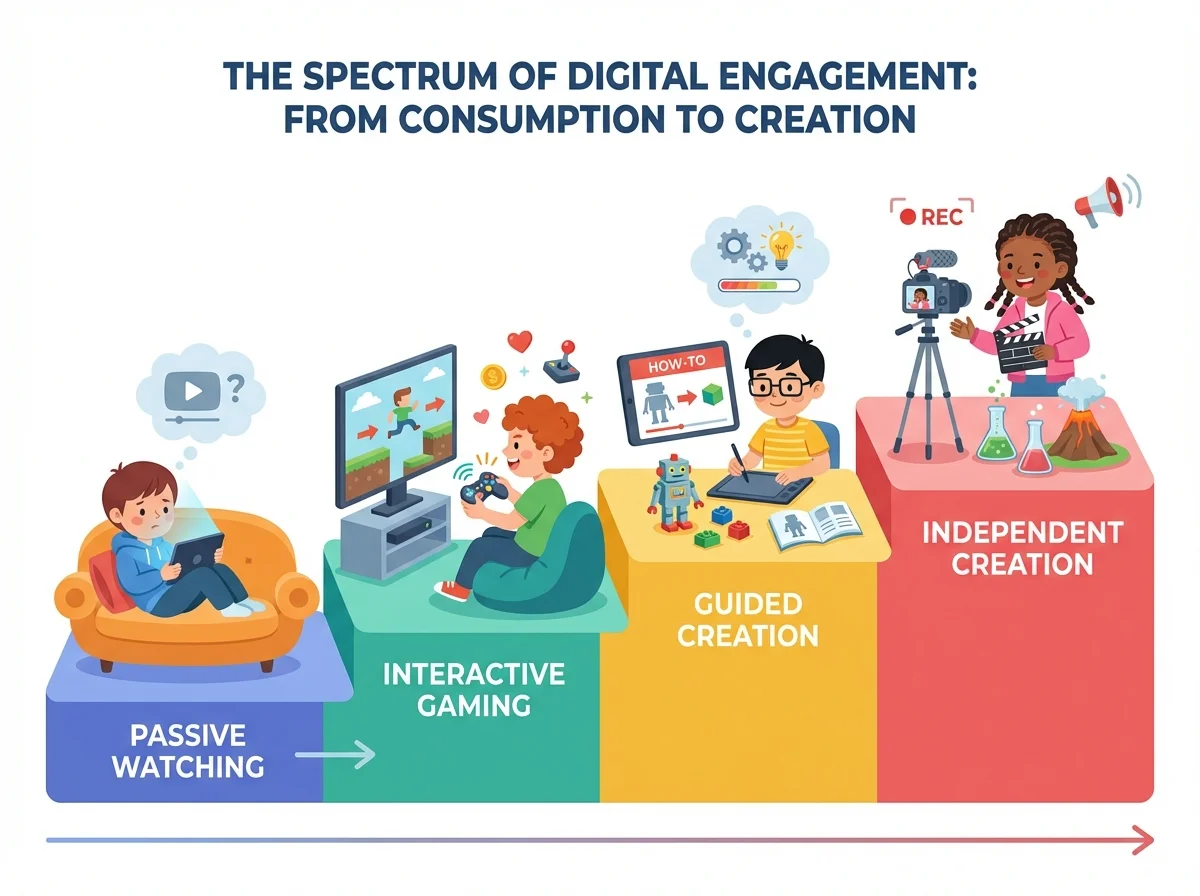
Before we go further, let me kill a misconception. "Creation" doesn't mean your kid needs to become a YouTuber or learn Python. There's actually a whole spectrum between passive consumption and active creation:
Level 1: Pure Consumption - Watching videos, scrolling feeds, reading without interaction
Level 2: Interactive Consumption - Playing games, responding to apps, choosing content
Level 3: Guided Creation - Following tutorials, building from templates, remixing existing content
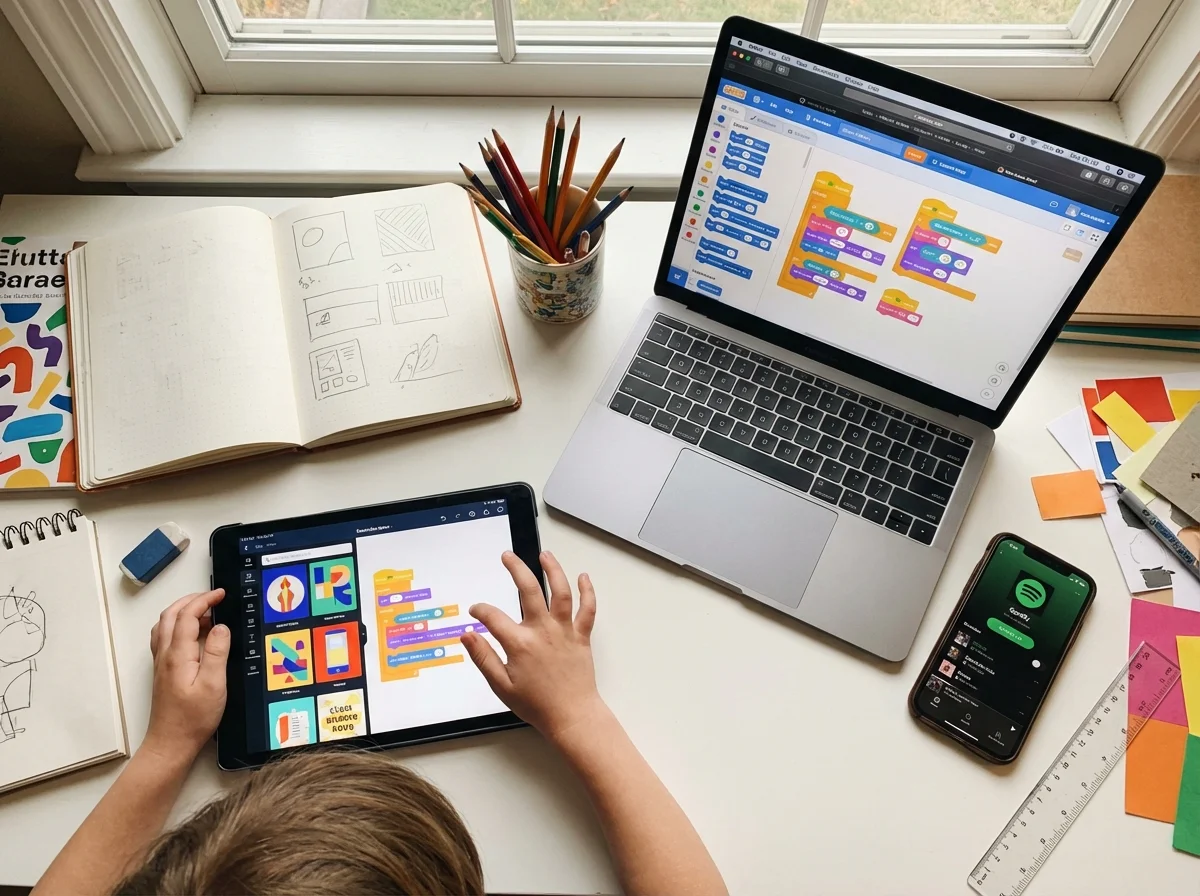
Level 4: Supported Creation - Making something new with training wheels (Scratch coding, Canva templates)
Level 5: Independent Creation - Original projects from scratch (writing stories, recording podcasts, coding games)
Most kids live at Levels 1-2. The goal isn't to jump straight to Level 5. It's to keep moving up the spectrum. Even going from Level 1 to Level 3 is a massive win.
When my son went from watching Minecraft videos to following along and building what the YouTuber built, that was progress. When he started modifying the builds to add his own ideas, that was a breakthrough. When he recorded a video showing his friend his custom build, I nearly fell over.
Small shifts. Big impact.
Why Kids Default to Consuming (And Why It's Not Their Fault)
Your kid isn't lazy. They're following the path of least resistance, which is exactly what every human does.
Creating something requires three things most kids don't have naturally:
1. An idea. This is harder than adults think. "Just make something" is paralyzing when you're eleven. We forget how terrifying a blank page is.
2. A tool they understand. Most creation tools are built for adults. Asking a ten-year-old to edit video in Premiere Pro is like handing them a commercial kitchen and saying "make dinner."
3. An audience who cares. Why make something if nobody will see it? Kids are social creatures. Creation without an audience feels pointless to them.
Remove any of these three, and kids will default to consumption every time. Not because they're broken. Because the system is designed that way.
Our job as parents is to provide all three: a starting point, the right tools, and someone who actually wants to see what they made.
For the First Spark: Kids need a prompt to flip from consume to create. Keep a Pause, Play, Connect deck nearby so a creator-curious card is always within reach.
Starter Projects That Actually Work
Forget the Pinterest-perfect craft projects. Here are creation starters that real kids (including mine) have actually stuck with:
The 60-Second Review
Hand your kid a phone and ask them to record a 60-second review of something - their lunch, a book, a game, a pair of shoes. One take, no editing.
Why it works: Low barrier, immediate result, feels like playing. My daughter started doing these at age 10 and within a month was scripting them, adding music, and doing multiple takes. She went from consumer to creator without even realizing it.
The Remix Challenge
Find something they already watch and challenge them to make their own version. If they watch gaming videos, they record one. If they watch cooking content, they film themselves making a sandwich.
The magic here is that they already know the format. They're not creating from zero. They're remixing something familiar.
The Family Podcast
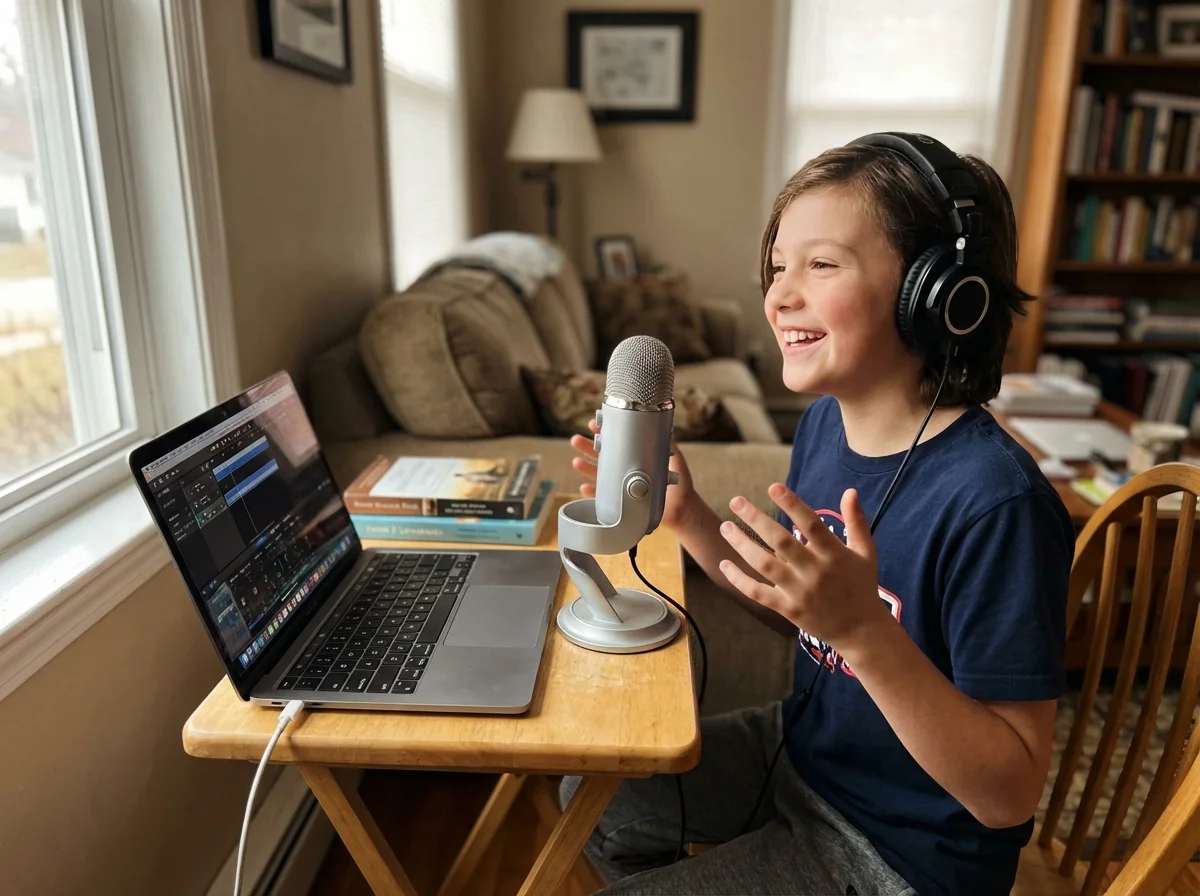
This one surprised me. I suggested we record a "family podcast" as a joke, and my kids were immediately into it. We used GarageBand on an iPad, recorded for twenty minutes about our week, and they wanted to do it again the next day.
Something about having a microphone makes kids feel important. They prepare topics. They think about what to say. They're creating content instead of consuming it - and they're building communication skills at the same time.
The Tutorial Flip
If your kid watches tutorials, challenge them to teach YOU something in the same format. "You watched how to build a Redstone door? Great. Now teach me." Record it.
This is secretly the most powerful one. Teaching requires understanding at a level that watching never does. And having a camera on makes them organize their thoughts in ways that just talking never would.
 Ninety cards, zero prepPause, Play, Connect: Core Deck$49 CAD • 172 promptsSee the deck
Tools That Actually Work (Ages 10-13)
Here's what I've tested with my own kids and what kids in this age range can actually use without constant help:
For Video
CapCut (free) - This is the one. Kids pick it up in about ten minutes. Templates help them start, but there's enough depth to grow into. My son was making genuinely funny edits within a week.
iMovie (free on Apple devices) - Simpler than CapCut but solid for beginners. Good training wheels.
For Audio/Music
GarageBand (free on Apple) - Perfect for podcast recording and music creation. The loop feature means even kids with zero musical training can make something that sounds good.
BandLab (free, any device) - Like GarageBand but works everywhere. Great for kids who want to make beats.
For Coding
Scratch (free, MIT) - Still the gold standard for ages 8-12. Visual block coding that lets kids make actual games. My kids got more excited about their Scratch games than anything on the App Store.
Roblox Studio (free) - If your kid plays Roblox, this is a cheat code. They can build actual Roblox games. The motivation is built in because their friends can play what they make.
For Design
Canva (free tier) - Surprisingly powerful for kids. They can make social posts, presentations, even simple animations. The template library means they never face a blank page.
Procreate (iPad, one-time purchase) - For the artistically inclined. One of my kids went from drawing on paper to creating digital art within days.
For Writing
Google Docs - Simple and they already know it from school. Start a shared document where they write anything - stories, reviews, journal entries.
Notion - For the more organized kid. Templates for everything. My daughter uses it to plan her video ideas.
The key with all of these: introduce ONE tool at a time. Let them get comfortable. Don't overwhelm with options.
The Parent Role (Hint: It's Not Teaching)
Here's where most parents mess up, including me initially. Your job is not to teach your kid to create. Your job is to be the audience.
When my son showed me his first CapCut edit, it was terrible. The timing was off, the music was too loud, and the whole thing was fourteen seconds long. My instinct was to suggest improvements.
Instead, I just watched it and said, "That was awesome. Make another one."
He made three more that night.
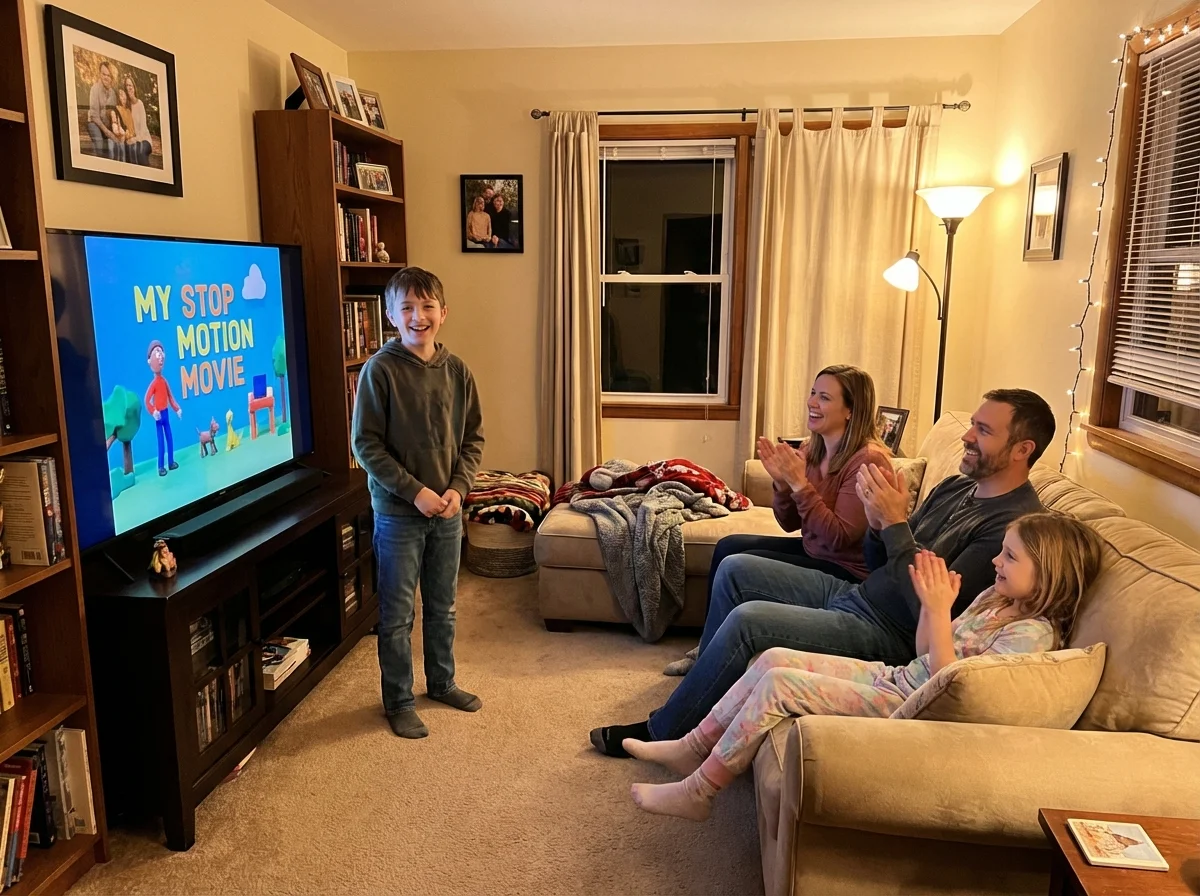
Kids don't need a production mentor. They need someone who's genuinely interested in what they make. Ask questions. Watch the whole thing. Share it with grandma. Put it on the TV for family movie night.
The moment you start critiquing or "helping" too much, creation starts feeling like homework. And homework is the fastest way to kill creativity.
Here's what actually helps:
Be the audience. Watch. React. Ask for more.
Be the enabler. Get them the tools, clear the space, protect the time.
Be the connector. Help them share with people who care - family, friends, maybe a small social circle.
Don't be the editor. Unless they specifically ask for feedback, keep your notes to yourself.
This is hard. Especially if you're a detail-oriented person (guilty). But creation at this age is about volume and confidence, not quality.
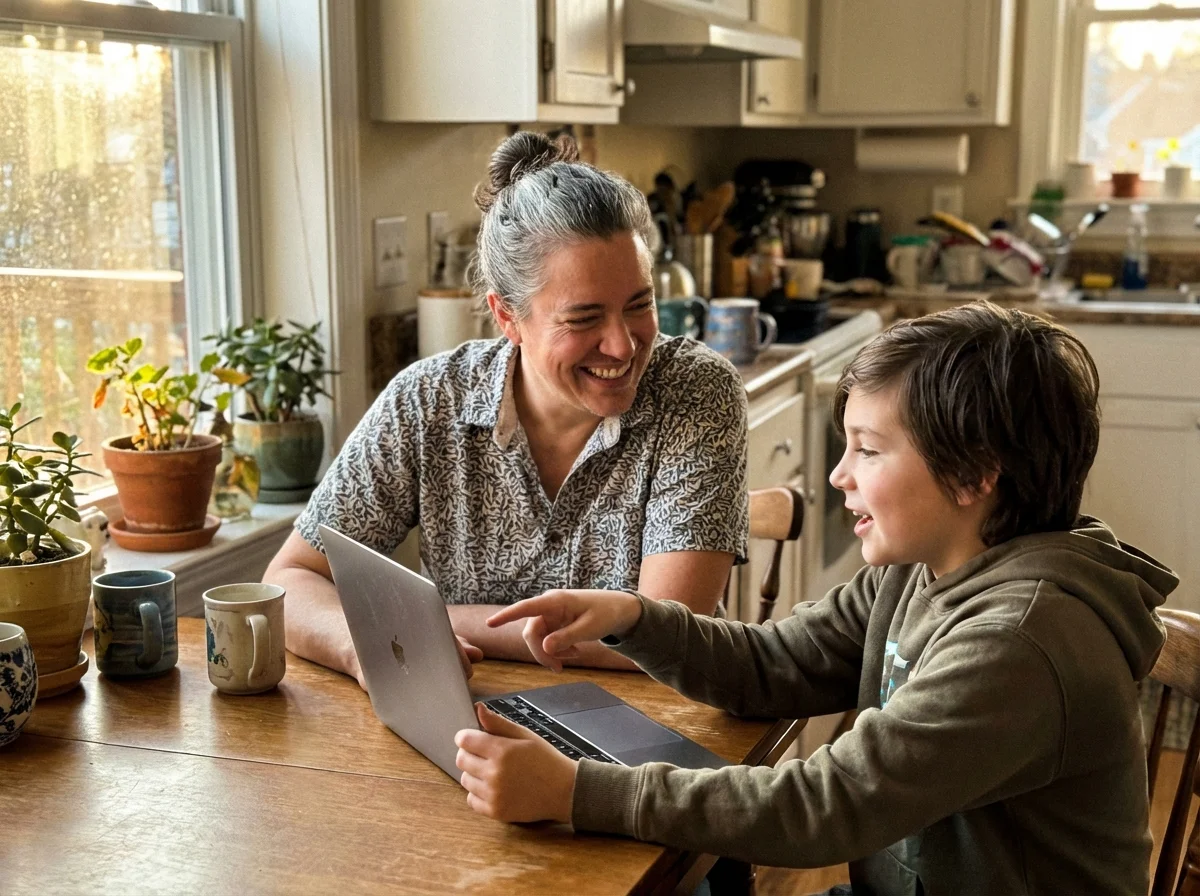
The Conversation Piece
The easiest entry point is a deck of conversation cards for families with gamer kids; the prompts ask the questions for you.
One unexpected benefit of shifting from consumption to creation: conversations explode.
When my kids were just watching YouTube, asking about their screen time got me nothing. "What did you watch?" "Stuff." "What kind of stuff?" "Videos."
But when they're making things? They can't stop talking about it. "Dad, I figured out how to do a zoom transition in CapCut." "Mom, listen to this beat I made." "Can I show you the game I'm coding?"
Creation gives kids something to be proud of. And pride is the engine of conversation.
This is actually why we built Yakety Pack. We kept seeing that the best family conversations happen when kids have something real to talk about. One of the cards asks "What's something you made that you're really proud of?" When a kid has an actual answer to that, the whole dynamic changes.
The shift from "what did you watch today" to "what did you make today" is small. But it transforms the relationship.
Measuring Progress (Without Being Weird About It)
You don't need a spreadsheet. But it helps to have a rough sense of where your kid is on the creation spectrum.
Week 1-2: Don't measure anything. Just introduce a tool and let them play. Zero pressure.
Week 3-4: Notice the ratio. Are they spending more time making stuff than watching stuff? Even 20% creation to 80% consumption is a great start.
Month 2: Look for initiative. Are they opening creation tools on their own? Asking for time to work on a project? Showing you things unprompted?
Month 3+: Look for complexity. Are their projects getting more ambitious? Are they learning new techniques on their own? Are they teaching friends?
The biggest sign of progress isn't the quality of what they make. It's whether they choose to make things when nobody's asking them to.
My son now spends about half his screen time creating and half consuming. That's not perfection - that's real life. And honestly, some of his consumption now feeds his creation. He watches editing tutorials because he wants to make his videos better. That's consumption with purpose, which is a completely different animal.
Common Mistakes (I've Made All of Them)
Buying expensive equipment too early. A phone camera and free apps are enough for months. Don't invest until they've proven they'll stick with something.
Making it about the product. Your kid's first video will be bad. Their first song will be weird. That's the point. Process over product, especially in the beginning.
Comparing to professional creators. "Your video should be more like..." is the fastest way to make them quit. They know MrBeast is better. They don't need the reminder.
Scheduling creation time. This one's counterintuitive. But "Tuesday is creation time" turns it into a chore. Instead, make tools available and let it happen organically. Remove friction, add opportunity, don't mandate.
Going public too fast. Sharing their work on actual social media before they're ready creates performance anxiety. Keep the audience small and safe first - family, close friends, that's it.
For the Long Build: Creators come from environments that ask better questions. A deck of Yakety Pack conversation cards on the dinner table builds that asking habit every night.
The Bigger Picture
Here's something I think about a lot as both a parent and someone who builds businesses.
The kids who grow up creating are going to have a massive advantage. Not because they'll all become YouTubers or developers. But because creation builds skills that consumption never will:
Problem-solving. Communication. Persistence. Iterating. Handling feedback. Shipping something imperfect.
These are the skills I use every day running my businesses. I didn't learn them from watching business videos. I learned them from making things, failing, and making them again.
Your kid doesn't need less screen time. They need different screen time. Time spent making something, anything, is time well spent.
Start small. One tool. One project. One audience member (you).
The rest takes care of itself.
Talk about what they madePause, Play, Connect: Core Deck172 prompts that give you something to ask about besides how many hours the screen was on.$49 CAD • 90 cards • 18 reviewsShop the deck
Related Articles
Looking for more ways to manage screen time and connect with your kids? Check out these guides:
- Screen Time Alternatives That Actually Work (Hint: It's Not About the Activities) - Our complete guide to replacing passive screen time
- The Dopamine Problem: Why Your Kids Can't Just 'Go Play' - Understanding why the transition from screens is so hard
- Screen Time Rules That Actually Stick (No Power Struggles) - Setting boundaries that don't start a fight
Frequently Asked Questions
What age should kids start creating content instead of just watching?
There's no magic number, but most kids around 8-9 can start with simple creation tools like Scratch or GarageBand. Ages 10-13 is the sweet spot where they have enough skills to be independent but still enough openness to try new things. Start wherever your kid is, even if they're older. A teenager picking up video editing for the first time is still making a huge shift.
Won't letting kids make videos just turn them into wannabe influencers?
This is the fear I hear most, and I get it. But there's a big difference between a kid learning to edit videos and a kid chasing followers. Keep the audience small (family and friends), focus on the process of creation rather than views, and you're building skills rather than feeding ego. If they naturally want to share more broadly later, that's a conversation for when they're ready.
My kid says they "can't think of anything to make." How do I help?
This is totally normal. Start with remixing, not original creation. If they watch gaming videos, they make one. If they like cooking content, they film a recipe. The tutorial flip (teach me what you just learned) is another great prompt. The blank page is scary for everyone. Give them a starting point.
How much creation time vs. consumption time is healthy?
I'd love to say 50/50, but real life is messier. Start by aiming for any creation at all. If they go from 100% watching to 80% watching and 20% making, that's a significant win. Over time, many kids naturally shift the ratio as creation becomes more engaging than passive watching. Don't put rigid percentages on it.
Should I post my kid's creations on social media?
Not without their explicit permission, and I'd be cautious even then. For younger kids (under 13), keep sharing within the family circle. For tweens, a private account shared with close friends and family works well. The point is building creative confidence, not building an audience. If they express interest in going public later, have that conversation when the time comes.

