
When my son turned 13, I went on a download spree. Khan Academy. A planner app called Structured. Headspace. Google Tasks. Forest. A flashcard app I can't even remember the name of. Six apps I was sure would unlock his potential as a freshly minted teenager.
He opened them once. Maybe twice for Khan Academy because I hovered.
Meanwhile, on the same phone, in a corner I hadn't bothered to look at, he was running a Notion workspace with a homework dashboard, a Minecraft server admin page, and a running list of YouTube tutorials he was working through to learn video editing. He'd built it himself. He'd been using it for months.
I was downloading "useful" apps onto a phone that already had the most useful app on it. I just didn't know what useful meant yet.
"Useful" Is a Trick Word
Here's the problem with the question "what is the most useful app for 13 year olds?" Parents and kids are answering completely different questions.
When a parent says useful, they mean educational. Productive. Something that justifies the phone. Something with a progress bar and a parent dashboard.
When a 13-year-old says useful, they mean "solves a problem I have right now." That problem might be remembering when their group project is due. It might be coordinating a Saturday hangout across five different friends. It might be editing a TikTok before practice. It might be figuring out why they feel weird and needing a playlist for the bus ride.
Those are all real problems. And the apps that solve them are, by any honest definition, useful.
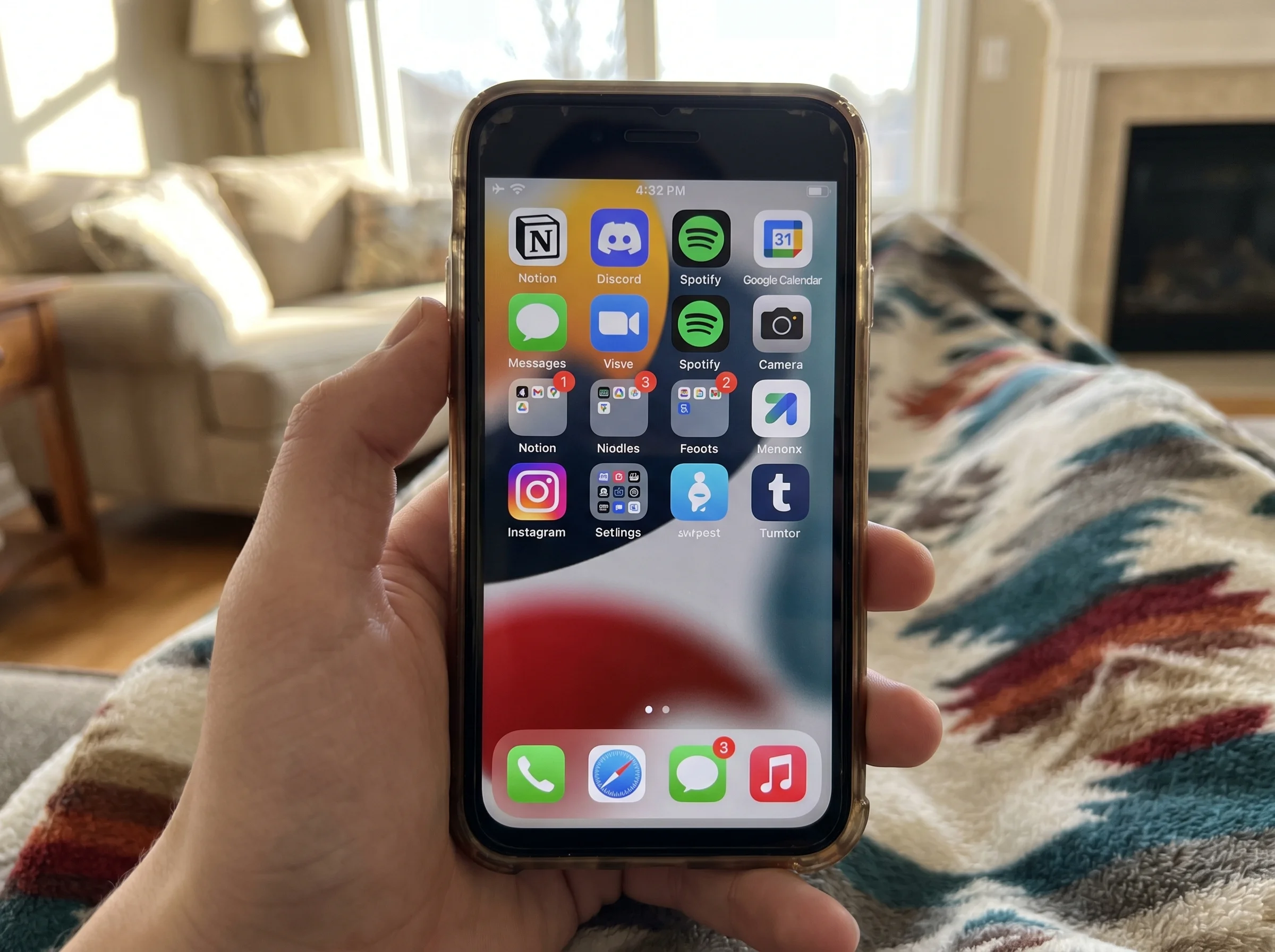
I'd break the categories down like this:
- School utility: keeping track of assignments, projects, deadlines
- Social utility: staying connected to friends, coordinating plans
- Creative utility: making stuff, learning skills, expressing themselves
- Organizational utility: managing their own time, stuff, and brain
Most "best apps for teens" listicles only count the first one. That's why your kid ignores half the apps on their phone. You're solving a problem they don't have, with a tool that looks like homework.
 Useful means something to themPause, Play, Connect: Core Deck172 prompts that get a 13 year old explaining the stuff they actually use.$49 CAD • 90 cards • 18 reviewsShop the deck
If I Had to Pick One Useful App for a 13 Year Old: Notion
Okay, so if you held a gun to my head and made me pick one app, it's Notion.
I know. It sounds like a productivity app for 35-year-old project managers. But hear me out, because 13-year-olds love this thing in a way I did not see coming.
Notion is basically a blank workspace where you can build whatever you want. Homework tracker. Reading list. Journal. Project pages. Lists of inside jokes. A page for your Dungeons and Dragons character. A dashboard for your fantasy football team. It's infinitely customizable and feels like a digital bedroom they can decorate.
My son's Notion has a weekly homework view with checkboxes that collapse when he's done, a page for every class with the teacher's email and syllabus link, a "watch later" list of YouTube videos, and a private journal page I'm not allowed to look at. He set it up better than my work Notion. I asked him to redo mine. He charged me ten bucks.
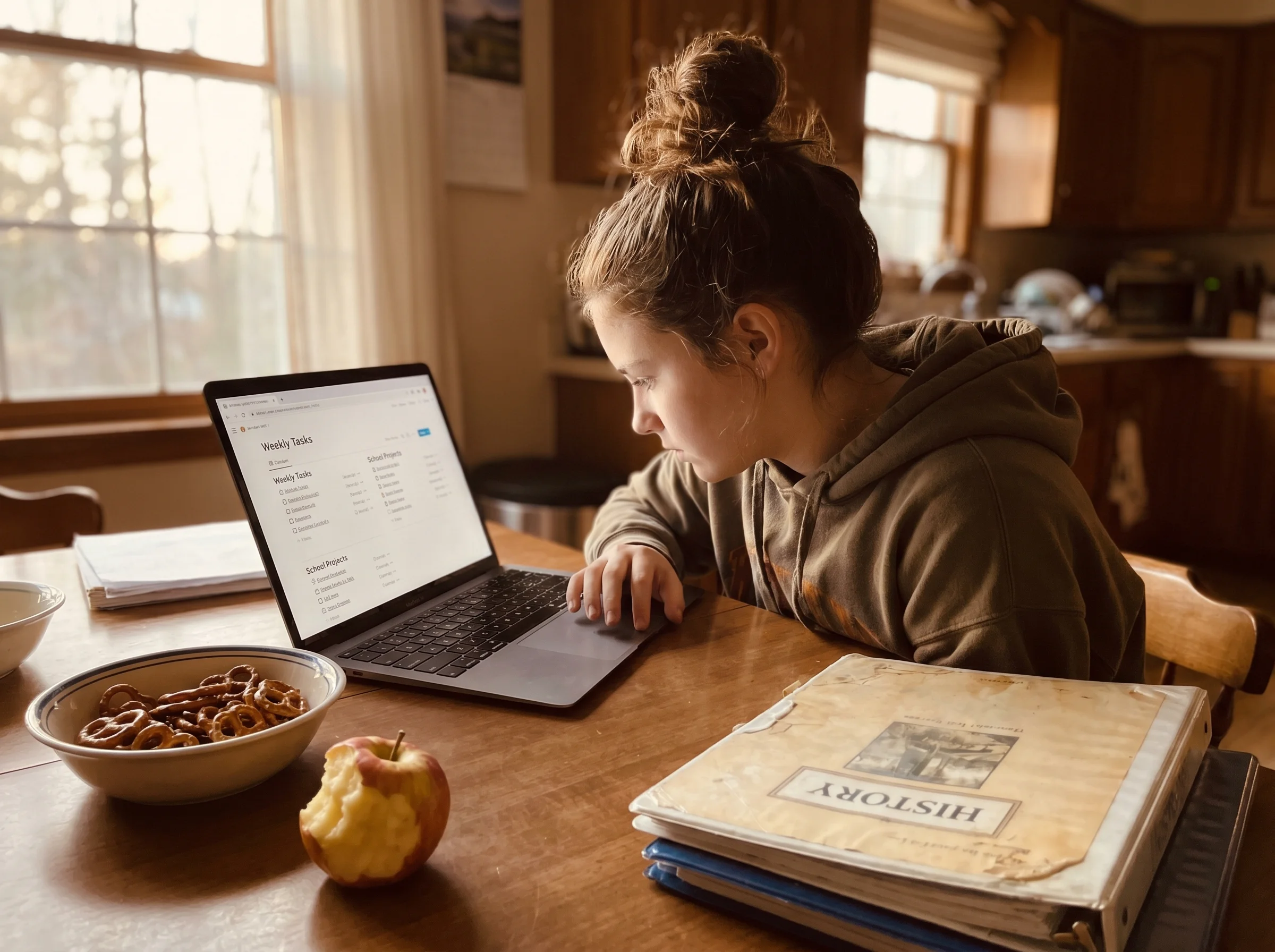
The setup curve is real. Plan on a Saturday afternoon where they fiddle with templates and get frustrated. But once it's theirs, it sticks. It replaces the planner, the notes app, the to-do app, and about three other things you were going to download.
Closest alternatives if Notion feels like too much: Apple Notes (more powerful than you think) or Google Keep. But for most 13-year-olds, Notion wins because it grows with them.
The Honest Runners-Up
These are the apps I'd actually call useful for a 13-year-old, with the real reasons and the real downsides.
Discord. Yes, really. Discord is where friend groups live now. It's group chat, voice calls, shared interests, and study groups all in one place. My son has a Discord server with three friends from his old school in different states. Without it, those friendships would have died. Downside: it's a private space, and you need to have actual conversations about who's in the servers and what gets shared. Not a "monitor everything" situation. A "be in the loop" situation.
Google Calendar. Boring. Life-changing. The moment a 13-year-old has band, soccer, a tutor, a group project, and a friend's birthday in the same week, a shared calendar saves marriages. Pair it with their Notion and you've covered 80% of organizational chaos.
CapCut. Video editing. If your kid makes anything, CapCut is genuinely useful. Creative expression isn't a hobby, it's a skill they'll use forever. Downside: it's owned by ByteDance (same as TikTok) and the data stuff is worth knowing about. Common Sense Media has a solid breakdown if you want to dig in.
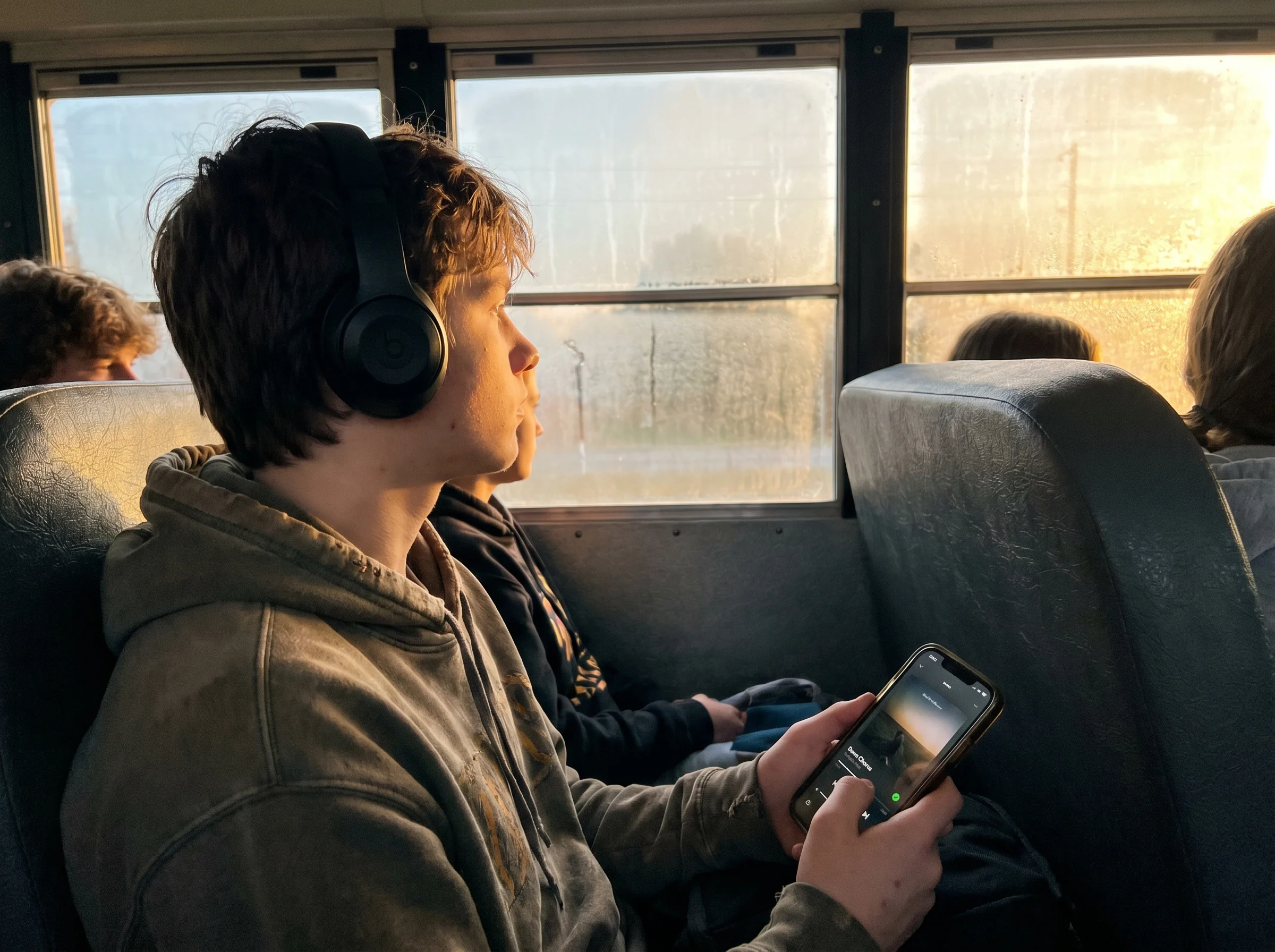
Spotify. Music regulates mood, full stop. A 13-year-old with a good playlist for the bus is a different human than one without one. I don't need a study to tell me that. I watched it happen.
You'll notice none of these are "educational apps." That's not an accident.
The Apps That Look Useful But Mostly Aren't
The standalone planner apps. Your kid will use Notes or Notion instead. Promise.
The "kid-friendly" educational apps that are clearly designed for 8-year-olds. Nothing makes a 13-year-old close an app faster than cartoon owls cheering them on.
Habit trackers. They require more discipline to maintain than they actually build. I've watched three different ones die on my son's phone. There's decent research on habit formation that suggests behavior change takes way longer than a streak counter can sustain.
Anything with a subscription that costs more than ten bucks a month. I once spent $40 on a study app subscription that promised to "gamify learning." My son opened it, played with it for four minutes, and said, "Dad, this is embarrassing." He was right. It was embarrassing. For me.
How to Actually Find Your Kid's Most Useful App
This is the part nobody writes about, so pay attention.
You can't find your 13-year-old's most useful app by reading a list. You find it by paying attention to what they're already doing and asking better questions.
Stop asking "what apps do you need?" You'll get a shrug. Stop asking "what apps are you using?" You'll get a defensive list of the safe ones.
Try these instead:
- "What's the most annoying part of keeping track of your school stuff?"
- "If you could only keep five apps on your phone, what makes the cut?"
- "Show me how you actually use Discord. Like, walk me through a normal day on it."
- "What app do your friends use that you don't get?"
The "show me how you use it" question is the magic one. Kids love being the expert. Once they're explaining, they're not guarded. You learn what problems they're solving, which tells you what would actually be useful next.

We built Yakety Pack for this exact reason. The question matters more than the answer. "What's the most useful app on your phone right now?" opens a conversation that "how was school?" never will. The thirty minutes my son spent explaining his Discord server to me taught me more about his social life than a full year of dinner-table check-ins.
 Walk me through a dayPause, Play, Connect: Core Deck$49 CAD • 172 promptsSee the deck
The Trust Conversation That Has to Come First
Here's the catch. None of this works if your kid thinks you're asking so you can ban things.
If every time you show interest in an app, you end up taking it away, your kid will stop telling you the truth about what they use. They'll show you the apps you approve of and hide the ones they actually live in.
The shift I had to make was going from "I'm asking to evaluate" to "I'm asking because I'm curious." That meant sometimes letting my son install something I was skeptical of and checking back in two weeks. Sometimes I was right and we deleted it. Sometimes I was wrong and learned something.
The most useful app for your specific 13-year-old might be one you'd never have picked yourself. Your job isn't to choose for them. It's to help them choose well, then get out of the way.
Quick Answers to the Real Questions About Apps for 13 Year Olds
Is Discord safe? It can be. The trick is private servers with people they actually know, DMs turned off from non-friends, and an ongoing conversation about who's in their servers. Not a one-time talk. An ongoing thing.
Should my 13-year-old have a calendar? Yes. Google Calendar is free, works on everything, and integrates with school accounts. Share yours with them. Welcome to logistics.
What if their favorite app is a game? Often a feature, not a bug. Games teach a surprising amount about systems, planning, and social coordination. Ask about the game the way you'd ask about a book. You'll learn a lot.
What about screen time? A useful app doesn't mean unlimited use. Notion being useful doesn't mean eight hours of Notion. Utility and limits aren't enemies. They live together fine.

One Thing to Do This Week
Sit down with your 13-year-old and ask them to show you the app they use most. Not the one they should use most. The one they actually use most. Let them walk you through it for fifteen minutes without interrupting to ask if it's safe or appropriate.
You'll learn what problem they're solving. And that, more than any listicle, will tell you what the most useful app for your 13-year-old actually is.
It might be Notion. It might be Discord. It might be something I've never heard of by the time you read this.
The point isn't the app. The point is that you asked, and they told you, and now you know something about your kid you didn't know yesterday.
That's the actual useful part.

From this article
Pause, Play, Connect: Core Deck
The one tool with no login: After my son walked me through his Discord server, the fifteen-minute expert session became a habit at our house. A card from the Pause, Play, Connect Core Deck is how we start it when nobody has a new app to show off.

