
My son asked me if he could download Discord when he was 11. My first reaction was a hard no. I'd heard enough scary headlines about predators, inappropriate content, and anonymous strangers to shut the whole thing down before he even finished his sentence.
That was a mistake. Not because Discord is perfectly safe (it's not), but because saying "absolutely not" without understanding what it actually is pushed the conversation underground. He ended up using it on a friend's device anyway. I just didn't know about it.
When I finally sat down and learned how Discord works, I realized two things. First, it's way more nuanced than the headlines suggest. Second, parents who understand it are in a much better position to keep their kids safe than parents who just ban it.
This is the discord safety for parents guide I wish I'd had. No fearmongering. No pretending it's all fine. Just what you actually need to know.
 The people, not the platformPause, Play, Connect: Core Deck172 prompts that give you a way to ask who your kid actually talks to online.$49 CAD • 90 cards • 18 reviewsShop the deck
What Discord Actually Is (and Why Kids Love It)
For the bigger map this fits inside, see our parent guide to gaming culture.
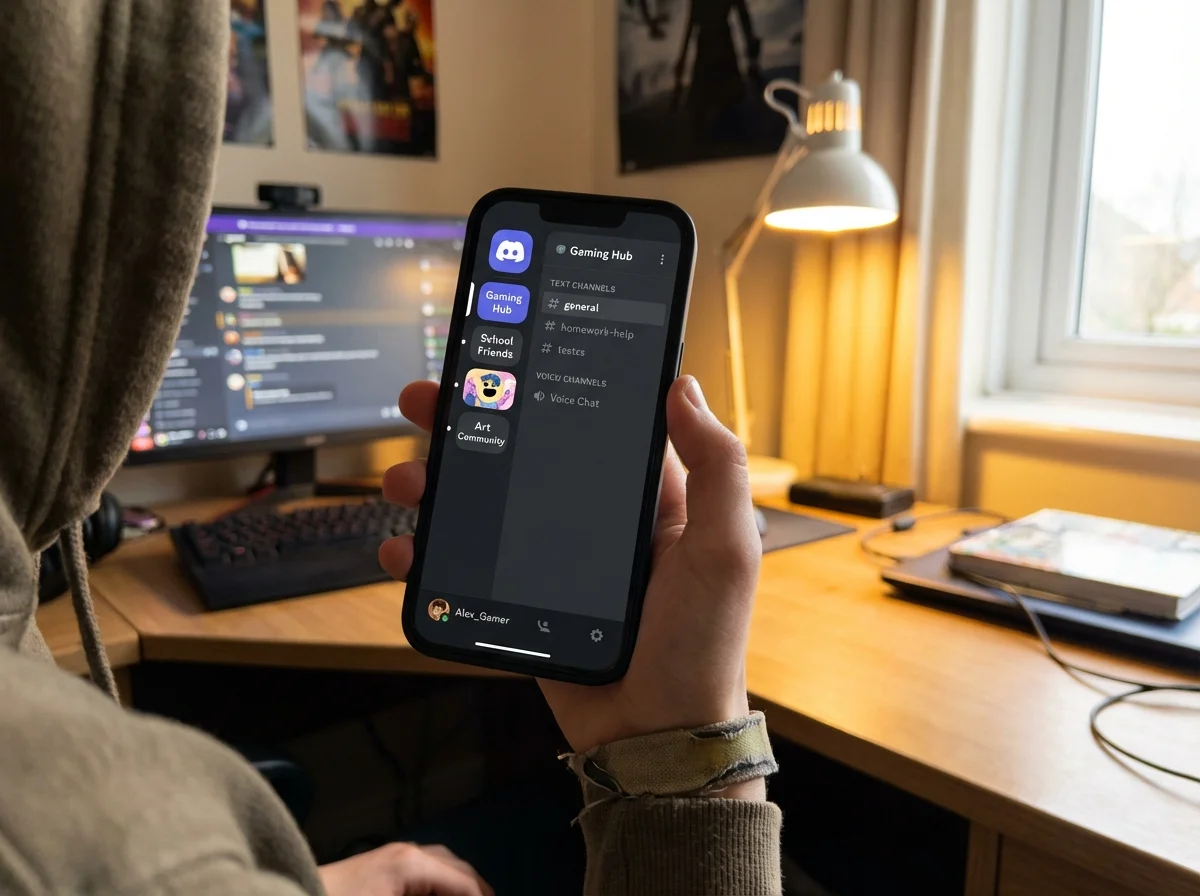
If you've never opened Discord, here's the quick version. It's a communication platform built around "servers," which are basically group chat rooms organized by topic. Each server has different channels, kind of like rooms in a house. One channel might be for general chat, another for sharing memes, another for voice calls.
Your kid probably uses Discord because it's where their friends hang out. Gamers use it to coordinate while playing. Kids in fan communities use it to talk about anime, music, or whatever they're into. School groups sometimes use it for study sessions.
Think of it less like social media and more like a clubhouse. Your kid isn't broadcasting to the world. They're hanging out in specific rooms with specific groups.
Here's what makes it different from Instagram or TikTok: there's no algorithm pushing content at your kid. They have to actively join servers and participate. That's actually a good thing from a safety perspective, because it means you can focus your attention on which servers they've joined rather than worrying about an infinite feed of random content.
Discord is a core part of gaming culture today. Almost every multiplayer game has Discord communities attached to it. If your kid plays Fortnite, Minecraft, Valorant, or basically anything online, Discord is probably part of their social life whether you realize it or not.
The Real Risks (Honest, Not Hysterical)
I'm not going to sugarcoat this. Discord has real risks that parents should know about. But I'm also not going to pretend every server is a den of predators, because that's not true either.
Stranger contact
Discord servers can be public, which means anyone can join. Large public servers (some have hundreds of thousands of members) mean your kid could be chatting alongside adults they don't know. Direct messages from strangers are the biggest concern here.
Inappropriate content
Some servers have NSFW (not safe for work) channels with explicit content. Discord has an age-gating system for these, but it relies on users self-reporting their age. A 12-year-old who signed up claiming to be 18 won't be blocked from anything.
Grooming
This is the one that keeps parents up at night, and it's worth taking seriously. Predators can use Discord's DM feature to contact kids privately. Large gaming servers where kids openly talk about their interests can be a starting point for unwanted contact.
Cyberbullying
Group dynamics in servers can turn toxic. Kids can be excluded, mocked, or pressured. If your kid moderates a server (which many kids do), they might encounter harassment from members they're trying to manage.
Screen time creep
Discord notifications are constant. The "always on" nature of servers means kids feel like they're missing out if they're not checking in. This is less a safety risk and more a well-being concern, but it's real.
Here's my honest take after navigating this with my own kids: the risks are manageable if you know what to look for and you've built enough trust that your kid will come to you when something feels wrong. The goal isn't zero risk. It's informed risk.

Privacy Settings Every Parent Should Enable
This is the practical section. If your kid is on Discord (or about to be), sit down together and walk through these settings. Doing it together matters. It's not about surveillance, it's about showing them you take their safety seriously while respecting that this is their space.
Direct Messages from server members
Go to Settings > Privacy & Safety. Set "Allow direct messages from server members" to OFF for servers where your kid doesn't know everyone personally. This single setting eliminates the most common vector for stranger contact.
Message filtering
In the same Privacy & Safety section, turn on "Keep me safe" which automatically scans and deletes direct messages with explicit content. It's not perfect, but it catches a lot.
Friend requests
Set "Who can add you as a friend" to "Friends of Friends" or "Server Members" rather than "Everyone." This prevents random strangers from sending friend requests.
Activity status
Consider turning off "Display current activity as a status message." This prevents strangers from seeing exactly what game your kid is playing, which can be used as a conversation opener by people with bad intentions.
Two-factor authentication
Enable 2FA on the account. This protects against account hijacking, which is more common than parents realize, especially for kids in gaming communities where account theft is a real thing.
Server-specific settings
For each server your kid joins, you can right-click the server icon and adjust notification settings and privacy independently. Large public servers should have stricter settings than a small server with school friends.
One thing I learned the hard way: don't just set these up and walk away. Discord updates its interface and settings regularly. Check back every few months. And when you do, make it casual. "Hey, Discord updated some stuff, let's make sure your settings are still good" works way better than "Let me audit your account."
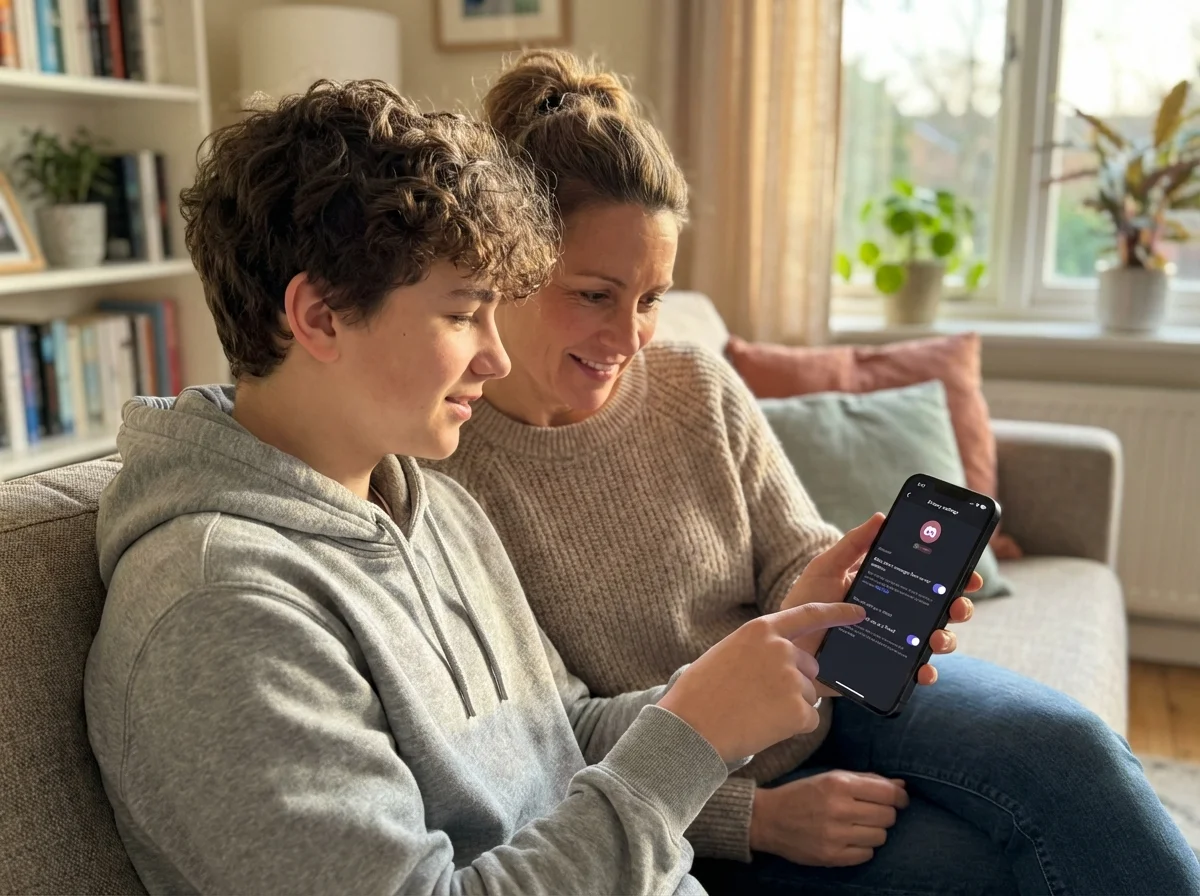
For the Discord Talk: A soft prompt opens doors a direct question slams. Keep a Pause, Play, Connect deck within reach so a curiosity card is ready when the topic comes up.
How to Talk About Discord Without Shutting Down the Conversation
The full playbook of soft prompts is in our conversation cards for families with gamer kids.
This is where most parents trip up, myself included. The instinct is to interrogate. "Who are you talking to? What servers are you in? Let me see your messages." That approach guarantees your kid tells you nothing.
What worked better for me was genuine curiosity. I started asking my son to show me his favorite servers. Not to check up on him, but because I actually wanted to understand what he was into. He had a server for a game I'd never heard of, and when I asked him to explain it, he talked for twenty minutes. That conversation taught me more about his online life than any monitoring app ever could.
Here are approaches that actually work:
Ask them to teach you. "Can you show me how Discord works? I keep hearing about it and I have no idea." Kids love being the expert. And you'll learn way more than you would from a Google search.
Share your concerns honestly. "I've read some things about Discord that worry me. Can we talk about what's true and what's overblown?" Treating them as a partner in their own safety is more effective than treating them as someone who needs to be controlled.
Establish a "no judgment" reporting agreement. "If someone says something weird or makes you uncomfortable, tell me. I won't take Discord away. I'll help you handle it." This is crucial. If kids think reporting a problem means losing access, they'll never report anything.
Ask about their servers specifically. "What's the vibe in that Minecraft server? Is it mostly kids from school or people you've met online?" This gives you information without feeling like an interrogation.
We built Yakety Pack partly because we noticed how hard it is for parents to start these conversations naturally. One of our cards asks "What's something online that made you feel weird but you didn't tell anyone?" It's the kind of question that opens doors without kicking them down. Having a structured way to talk about digital life makes it feel less like a lecture and more like a real conversation.
If you're looking for ways to connect with your kid about their gaming and online world, starting with curiosity instead of fear changes everything.
 The opposite of an interrogationPause, Play, Connect: Core Deck$49 CAD • 172 promptsSee the deck
When to Monitor vs. When to Trust
This is the hardest part of parenting in the digital age. There's no perfect answer, and anyone who tells you otherwise is selling something.
Here's the framework I use:
Ages 10-12 (if they're on Discord at all)
Discord's terms of service require users to be 13+. If your younger kid is using it, you should be more hands-on. Sit with them when they're chatting. Know which servers they're in. Have their login credentials. This isn't snooping, it's age-appropriate supervision. You wouldn't drop a 10-year-old at a party with strangers and leave.
Ages 13-14
This is the transition zone. They should have privacy settings locked down (see above), and you should know which servers they're active in. But you can start stepping back from reading individual messages. Check in regularly through conversation rather than surveillance. "Anything interesting happen on Discord today?" goes a long way.
Ages 15+
By now, your goal is to have built enough trust and communication that your teen comes to you with problems. You shouldn't be reading their messages. You should be someone they want to talk to when something goes wrong. If you've been having open conversations about online safety since they were younger, this transition happens naturally.
Red flags at any age
Regardless of their age, pay attention if your kid:
- Suddenly becomes secretive about their phone or computer
- Mentions an online "friend" who is significantly older
- Receives gifts, game codes, or money from someone online
- Seems anxious or upset after using Discord
- Starts hiding which servers they're in after previously being open about it
These don't necessarily mean something terrible is happening. But they're worth a calm, non-accusatory conversation.
The parents I've seen handle this best are the ones who stay involved without being controlling. They play games with their kids. They ask about their online friends the same way they'd ask about school friends. They treat the digital world as a real part of their kid's life, not something separate and suspicious.
If you want to understand the broader picture of how kids socialize through gaming, our gaming culture guide for parents covers why platforms like Discord matter so much to them.
What to Do When Something Goes Wrong
Even with perfect settings and great communication, things can still happen. Here's what to do:
If your kid receives inappropriate messages: Screenshot everything before blocking or reporting. Report the user to Discord's Trust & Safety team through the app (right-click the message > Report). If the content involves a minor, report it to the National Center for Missing & Exploited Children (NCMEC) as well.
If your kid is being bullied in a server: Help them use Discord's block and mute features. If it's happening in a specific server, they can report it to the server's moderators. If the moderators aren't responsive, leave the server. Not every community deserves your kid's presence.
If your kid accidentally saw disturbing content: Don't panic in front of them. Ask what they saw. Acknowledge that it's normal to feel upset or confused. Explain that the internet has stuff that's not meant for kids and it doesn't mean anything is wrong with them for having seen it.
If you suspect grooming: This is serious. Save all evidence. Contact local law enforcement and file a report with NCMEC. Don't confront the person directly, as it can cause them to delete evidence. Keep communication with your child open and reassuring. This is not their fault.
The common thread in all of these situations: your kid needs to feel safe telling you. If your reaction to bad news is punishment or panic, they'll handle the next problem alone. Stay calm. Be on their team. Deal with the problem together.
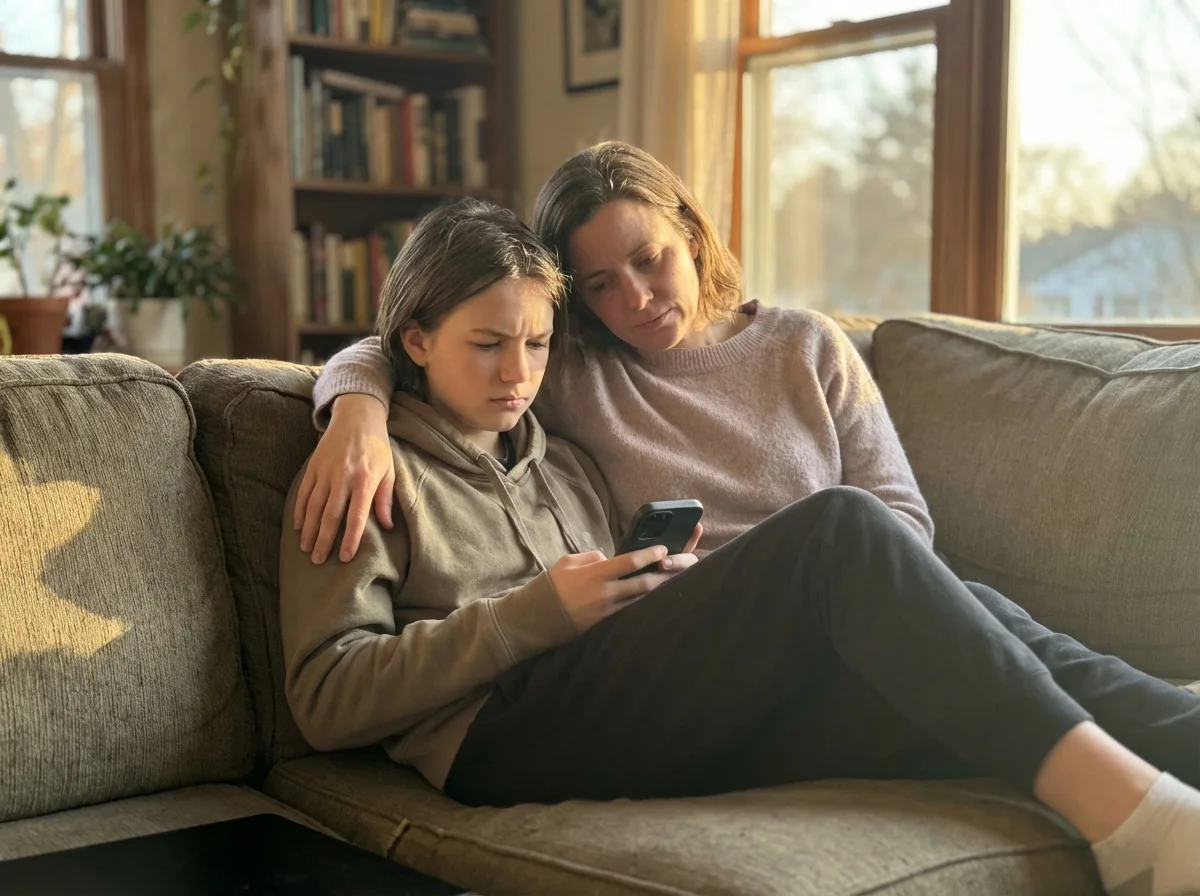
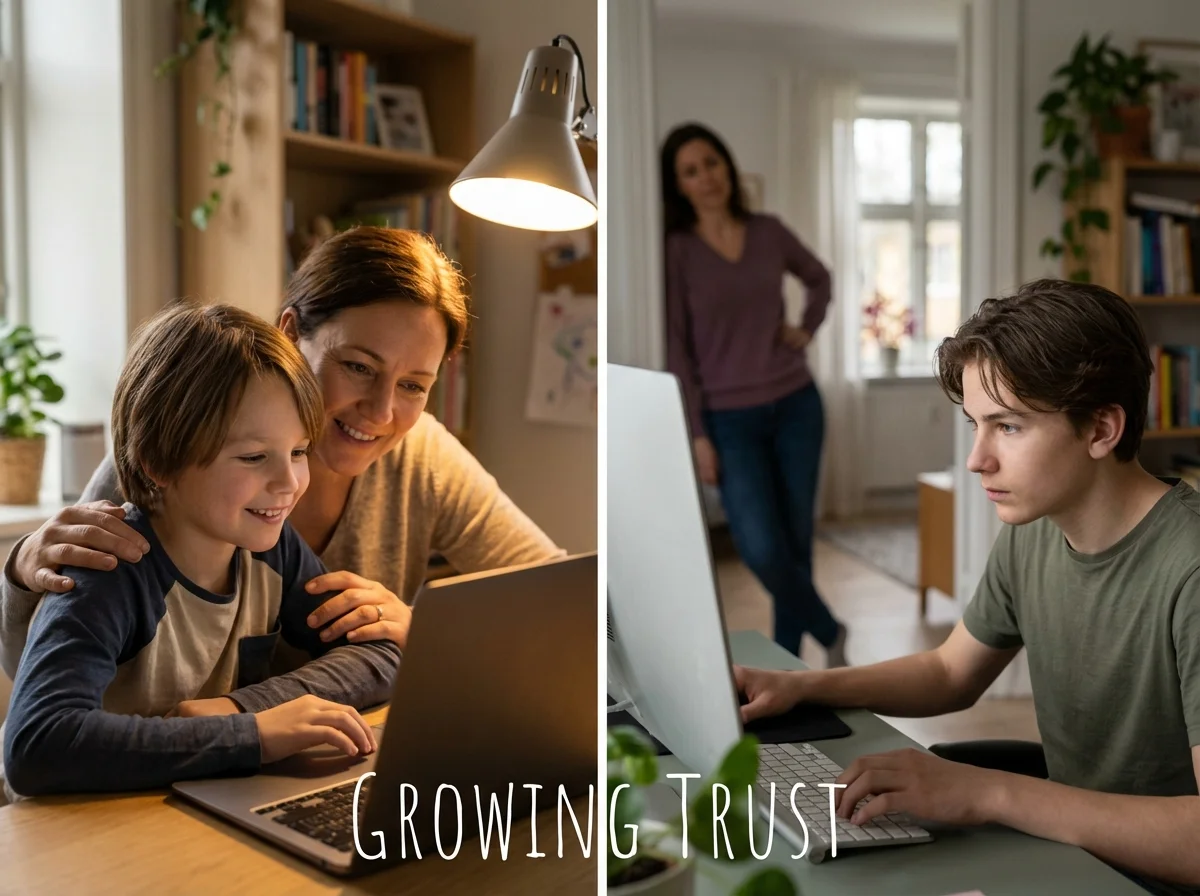
For the Long Build: Trust comes from many small low-pressure Discord chats. A deck of Yakety Pack conversation cards on the dinner table keeps the door open every night.
The Bottom Line
Discord isn't the monster some headlines make it out to be, and it isn't completely harmless either. It's a tool, and like any tool, it's as safe as the knowledge and habits surrounding it.
The parents who navigate this well aren't the ones with the strictest rules or the most sophisticated monitoring software. They're the ones who understand the platform, keep the conversation going, and treat their kids as partners in staying safe online.
If you do one thing after reading this, sit down with your kid and go through those privacy settings together. Make it collaborative, not punitive. And then keep talking. About Discord, about gaming, about whatever they're into. The conversations matter more than any setting you can toggle.
That's what we're all about at Yakety Pack, helping parents and kids actually talk to each other about the stuff that matters. Whether it's through our conversation cards or just by learning enough about your kid's world to ask better questions, connection is the best safety net there is.
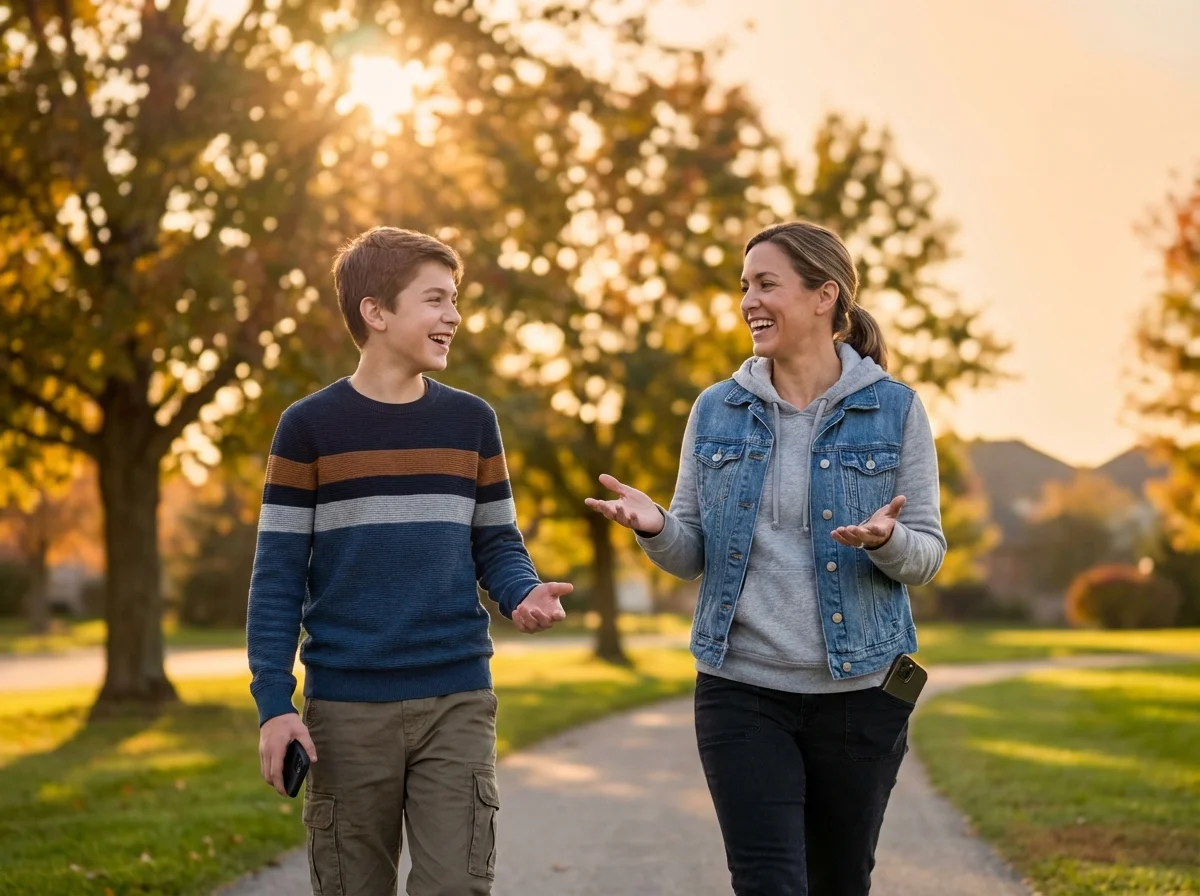
Ordinary talk, most nightsPause, Play, Connect: Core Deck172 prompts that make it easy to ask about their friends and their online life, regularly.$49 CAD • 90 cards • 18 reviewsShop the deck
Related Articles
Looking for more ways to understand your kid's digital world? Check out these guides:
- Understanding Gaming Culture for Parents
- How to Talk to Kids About Fortnite (Without Getting One-Word Answers)
- Playing Video Games With Your Kids: A Parent's Real Guide
- What Is Minecraft Teaching Your Kids? 7 Real Skills Explained
Frequently Asked Questions
Is Discord safe for a 10-year-old?
Discord requires users to be 13 or older. If your child is under 13 and using it, they need close supervision. The platform isn't designed with young children in mind, and many of the safety features rely on users being old enough to understand and manage them. If your younger child insists on using Discord, sit with them, manage the settings yourself, and limit it to private servers with people they know in real life.
Can I monitor my child's Discord without them knowing?
Technically there are third-party monitoring tools, but I'd recommend against the covert approach. If your kid discovers you've been secretly reading their messages (and they usually do), you'll destroy the trust that's your best safety tool. Be upfront: "I'd like to check in on your Discord sometimes because I care about your safety. How can we do that in a way that feels fair to both of us?"
What's the difference between Discord and social media?
Discord is more like a group chat platform than traditional social media. There are no public profiles, no follower counts, no algorithm pushing content. Kids join specific servers (groups) and chat in specific channels. It's more intentional than scrolling a feed, which is actually better from a safety standpoint because you can focus on which communities they're part of rather than an endless stream of random content.
Should I make my kid share their Discord password with me?
For kids under 14, yes, I think that's reasonable, with the understanding that you're not logging in to read their conversations daily. It's an emergency tool. For older teens, it depends on your relationship and their maturity. The goal is building toward the point where they don't need you to have it because they'll come to you directly when something's wrong.
My kid wants to join a public gaming server. Should I let them?
It depends on the server. Large public servers with thousands of members carry more risk than small ones. Ask your kid to show you the server first. Look at the rules, the moderation team, and the general vibe of the conversations. If the server has active moderators, clear rules against harassment, and age-appropriate content, it's probably fine with the right privacy settings enabled.

