
I once spent an entire Saturday setting up Khan Academy accounts for my kid. Custom learning paths, parent dashboard, the works. I felt like Dad of the Year. He used it twice.
Three weeks later, his buddy texted him a Quizlet link for a vocab quiz, and suddenly my kid was making flashcards every single night. Same kid. Same homework. Different app. The one I picked? Useless. The one his friend picked? Gold.
That's when I figured out the truth nobody writes about: when parents ask what are the best study apps for middle school students, the answer isn't the one with the best features. It's the one they'll actually open without you nagging them.
 After the homework is donePause, Play, Connect: Core Deck172 prompts that give you something to ask about besides school, once the laptop closes.$49 CAD • 90 cards • 18 reviewsShop the deck
The Real Question Isn't "What's the Best App?"
Most articles on this topic give you a roll call. Quizlet, Khan Academy, Photomath, Duolingo, here's twenty apps, good luck. They skip the part where you have to convince a 12-year-old to use any of it.
Middle schoolers don't study the way we did. They study in group chats. They study on FaceTime with three friends at once, half of them muted, somebody's dog barking in the background. They share flashcard decks the same way they share TikToks. If an app doesn't fit that social rhythm, it dies on the home screen.
So before I run through the actual apps, here's the rule I wish someone had told me: the app your kid hears about from a friend gets used ten times more than the app you set up for them. Your job isn't to pick the perfect tool. Your job is to be in the room when they need help with it.
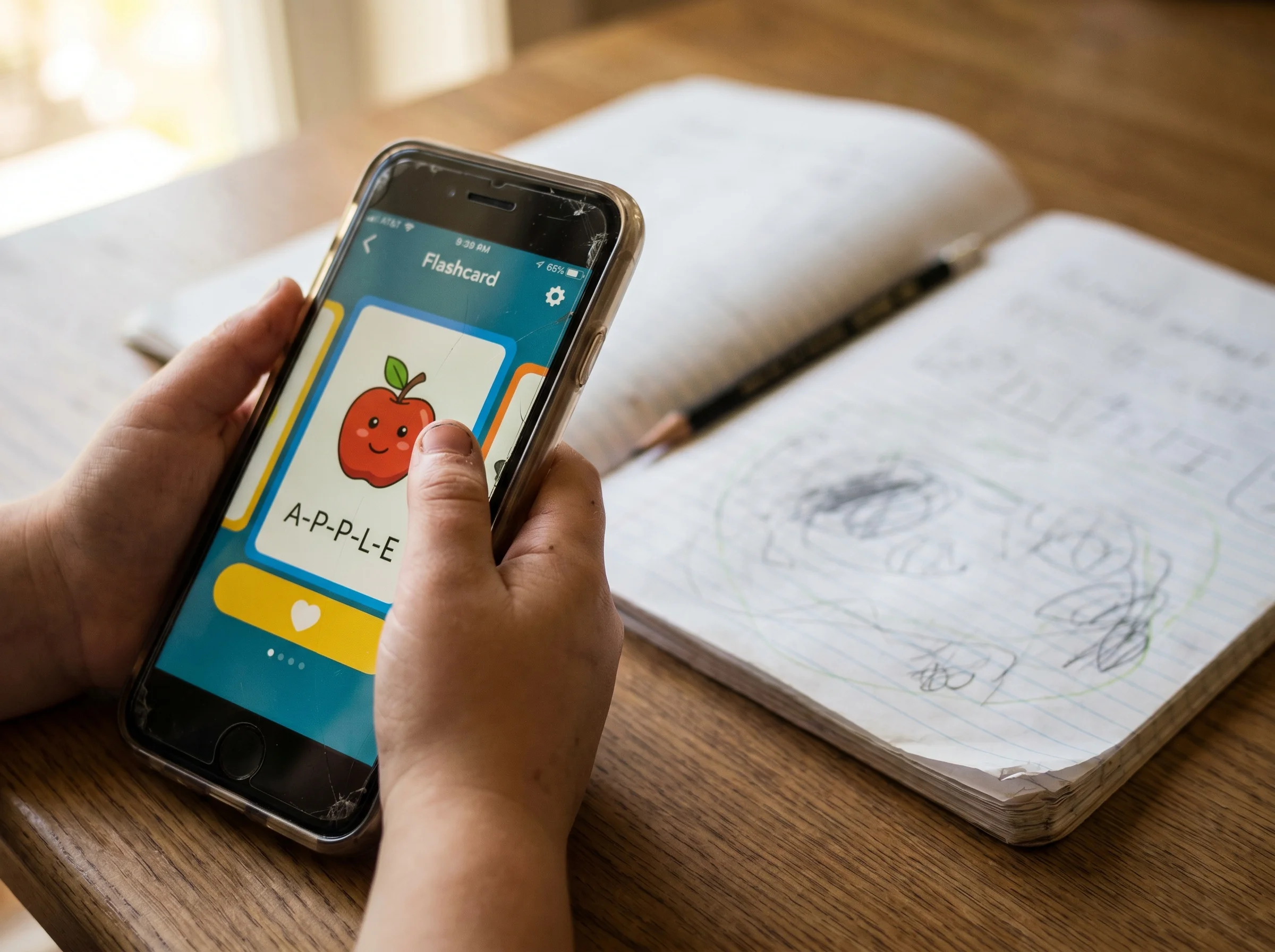
Quizlet: The One They Actually Use
If your kid is in middle school and has friends, Quizlet is probably already on their phone. It's flashcards, but it doesn't feel like flashcards. There are game modes, match challenges, a "learn" feature that adapts to what you're missing. It looks and feels like the apps they already love.
What sells it for kids: they can share decks. My son's Spanish class has a kid who makes the deck before every quiz and drops it in the group chat. Free studying, peer-approved, no parent involvement required.
Watch out for: pre-made decks made by random users are hit or miss. If your kid is studying for a real test, make sure the deck matches what their teacher actually covered. Free version is plenty for most kids. Skip the premium unless they're using it daily.
Khan Academy: The Slow Burn
Khan Academy is the one I keep recommending even though my own kid barely touched it at first. Here's why: it's the best free option for filling actual learning gaps. If your kid bombed a unit on fractions in 5th grade and is now drowning in 7th grade math, Khan Academy has the videos and practice problems to back them up to where it broke.
It's not exciting. It's not social. It's not going to win the home screen battle against Quizlet or YouTube. But for summer prep, for catching up after a tough quarter, for kids who genuinely want structure, it works.
Best use case I've found: when grades slip and your kid actually wants help. That's the window. Don't push it before then.
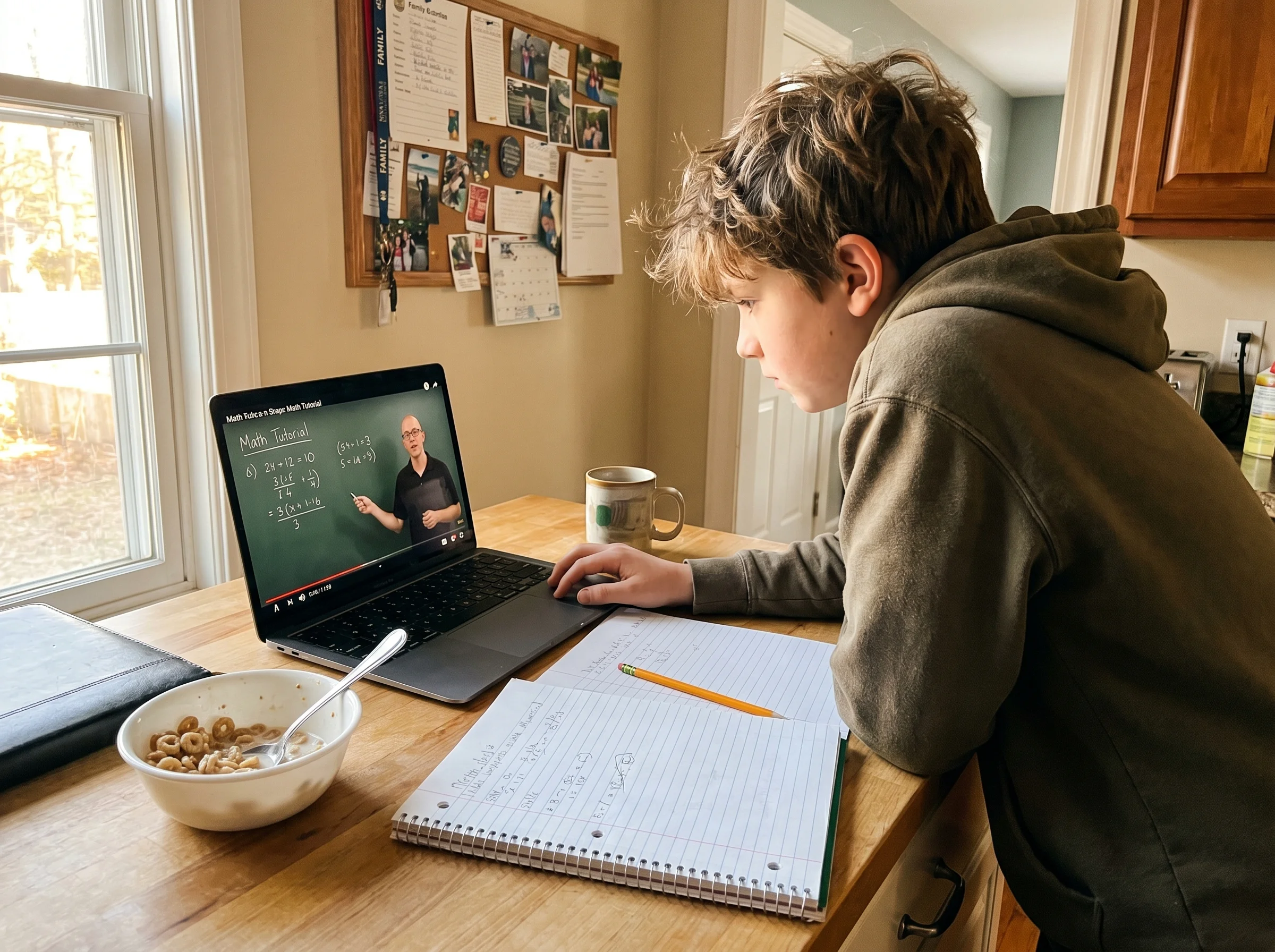
Photomath and Socratic: The "Is This Cheating?" Apps
Let's have the conversation nobody wants to have.
Photomath lets you point your phone at a math problem and it shows you the steps. Socratic does the same for a wider range of subjects. These are study apps and shortcuts depending on how they're used.
I caught my kid using Photomath to blow through a worksheet in eight minutes. He wasn't learning. He was photographing. I was ready to delete it. Instead I sat down and asked him to walk me through one of the problems he'd "done." He couldn't.
Here's the rule we landed on: Photomath is for checking your work after you've tried it, or for when you're stuck and need to see one step to unstick yourself. It's not for skipping the thinking. We talk about it like a calculator. A calculator is a tool. Using one to add 2+2 isn't cheating, it's just lazy and it doesn't build the muscle you need.
That conversation, which I'd been dreading, turned out to be one of the better ones we've had about school. The app became a starting point.
 When the worksheet is closedPause, Play, Connect: Core Deck$49 CAD • 172 promptsSee the deck
Duolingo, Brainscape, and the Streak Trap
Daily streak apps work on middle schoolers because they're built on game logic. Duolingo for languages, Brainscape for spaced-repetition flashcards, even Memrise if your kid likes variety. The streak hooks them. The little XP rewards keep them coming back.
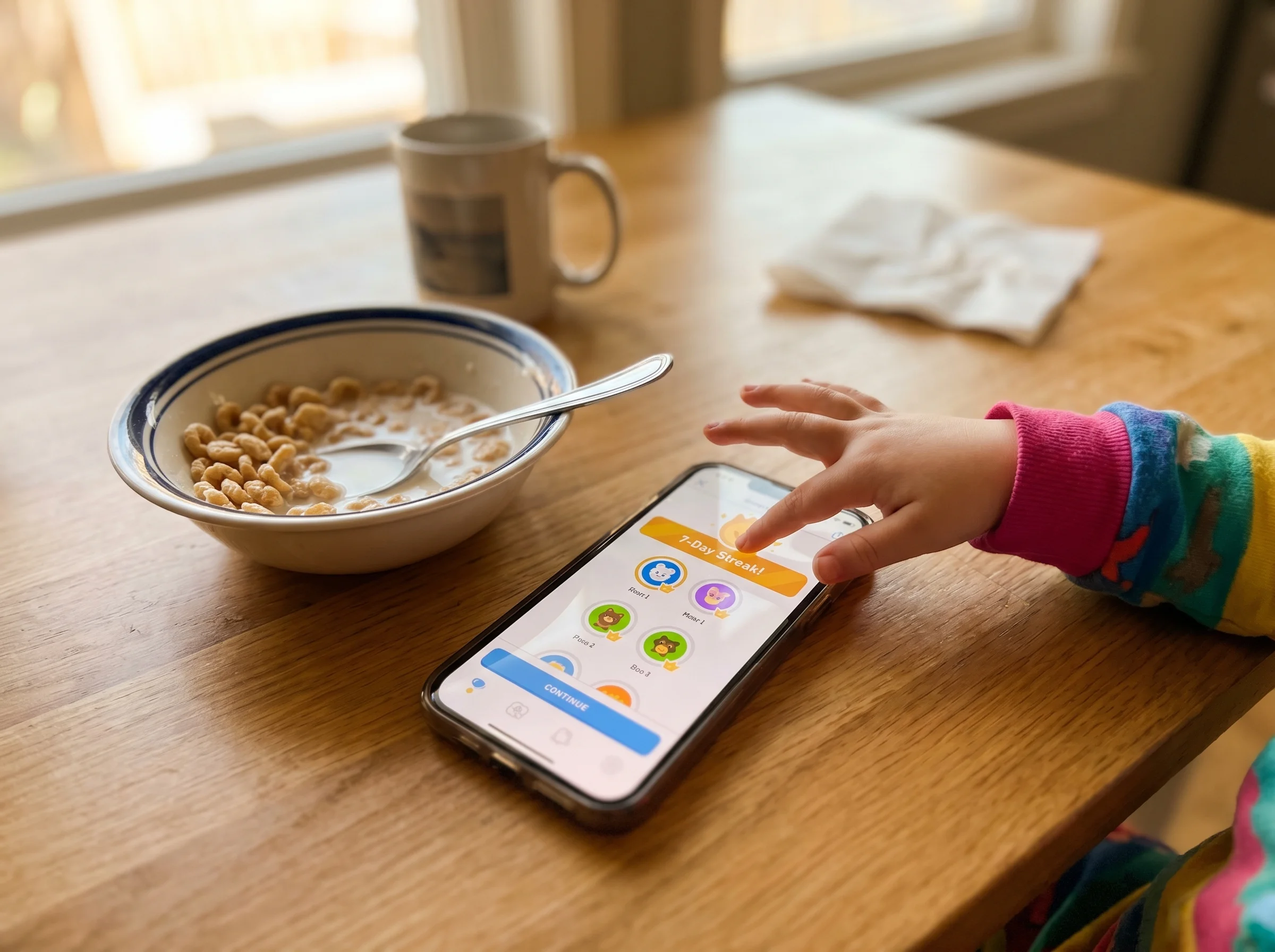
The trap: the streak becomes the point. My kid had a 90-day Duolingo streak in Spanish and couldn't ask where the bathroom was. He was doing the minimum each day to keep the green owl happy. Research on gamified learning backs this up, the reward loop can outpace the actual learning if you're not careful.
If you see streak-grinding without actual learning, it's okay to let it die. Better to do twenty real minutes twice a week than two performative minutes every day.
For Kids Who Learn Differently
This is where the standard "best of" lists fall apart. The right app for a neurotypical kid is often the worst app for a kid with ADHD or a reading difference.
For ADHD kids: short sessions win. Quizlet's match mode is timed and fast. Forest, which isn't a study app but rather a focus app, gamifies not touching your phone for 25 minutes. Pair Forest with Khan Academy and you've got a system.
For audio learners: Khan Academy videos are gold. So are subject-specific podcasts. My kid listens to a history podcast in the car and remembers more from that than from his textbook.
For reading struggles: Speechify and the built-in read-aloud on most phones turn any text into audio. Game-changer for kids who can comprehend but can't decode. Understood.org has great resources on matching tools to specific learning needs.
The ChatGPT Question
AI is the new frontier and the new minefield. Used right, ChatGPT (or Claude, or whatever your kid finds) is the best tutor a middle schooler has ever had. It can explain a concept five different ways until one clicks. It can quiz them. It can roleplay being a tutor.
Used wrong, it writes their essay.
My house rule: AI can explain, quiz, and check. It can't produce. If you're going to turn it in, you wrote it. We talk about it the same way we talk about Photomath. The tool is fine. The shortcut isn't.
How to Actually Get Your Kid to Use Any of This
This is the part nobody writes about, so here's what's worked for me.
Don't pre-install and announce. The app you push gets resisted. The app they discover gets used.
Sit next to them, not over them. When the night-before-the-test panic hits, that's your opening. Grab their Quizlet deck, quiz them out loud. You're not the homework cop. You're the study buddy.
Ask the right question. "Did you do your homework?" gets you a grunt. "What's the hardest thing you're studying this week?" gets you a real conversation. Same energy as asking about Minecraft instead of telling them to get off Minecraft.

This is honestly the same philosophy behind why we built Yakety Pack. The best tools in a kid's life aren't the ones that replace conversation, they're the ones that start it. A study app you can talk about together beats a study app you installed and forgot.
The One Thing to Do This Week
Don't download anything. Instead, ask your kid this: "What are your friends using to study?"
Whatever they say, that's the app. Download it together. Have them show you how it works. Let them be the expert for ten minutes. You'll learn more about their school life in that conversation than in a month of "how was your day."
If you want the bigger picture on apps middle schoolers are using and the tech that shapes their world, check out the pillar on gaming apps and technology for middle schoolers and the spoke on what apps middle schoolers are actually using. The study app conversation is one piece of a much bigger puzzle, and the same rules apply across all of it: meet them where they are, ask better questions, and stop trying to win the home screen.

From this article
Pause, Play, Connect: Core Deck
No download required: Whatever app wins the home screen, the ten minutes after homework is where you actually find out how school is going. That's when I pull a card from the Pause, Play, Connect Core Deck and let my kid be the expert for a while.

